











Preparation
Before installing the mods, a couple of
other files has to be installed
1 -
If you
haven't already, sign up at the Nexus. (LINK)
It's free, and it takes 2 minutes. The Nexus is a great site for mods in
general, so it's definitely worth the time.
2 -
Downloading and install NexusModManager, "NMM". (LINK)
*Install the "NMM Community Edition"
3 -
Download and install
"Skyrim Script Extender".
If you have the Steam version, download from the Steam workshop
instead: (LINK)
If you have the another digital version or the DVD version, then
download from the SKSE website: (LINK)
*You can either download SKSE in a .7z package or as an installer. If you choose
the package, just unpack the files into the root of the Skyrim game folder. Now
make a shortcut to "skse_loader.exe", and use this shortcut to launch Skyrim from now on.
4 - Download and install TES5Edit. (LINK)
Unpack and copy the files to any directory, then make a shortcut to
"TES5Edit.exe".
This tool is used to clean up Bethesda's "lazy edits" from their DLCs. See
description in the Cleaning section. (LINK)
5 - Download "TES 5 ESS Files Editor". (LINK)
Download the latest version and unpack the files to any directory. Make a
shortcut to "TESVESSE.exe".
*If you plan to start a new game after SBP installation, this file is not
absolutely necessary, but I still recommend it. If you want to continue a saved
game, you definitely need this tool. It's used to remove old script data from a
save-game file. Unfortunately Skyrim stores scripts in the save-game files, so
if you remove a mod which contains scripts, then the scripts stay in the
save-game, and can cause all kinds of errors.
6 - Find out how much video memory you have on your graphics card.
If you
are not sure, use this tool made by Boris Vorontsov.
(LINK)
7 - Make some coffee and get ready for several hours of downloading and installing. It's a long time, but remember at the end you will get the result of several months work.
When ready
proceed
to the Mod-List
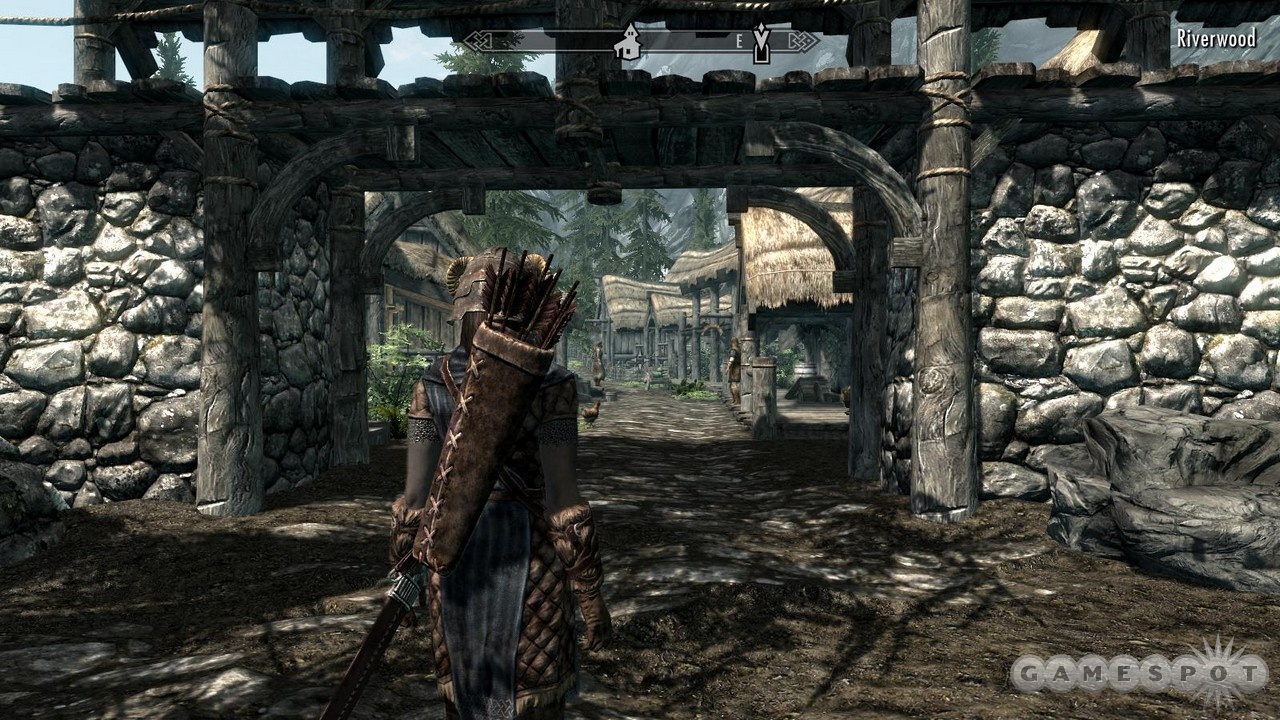
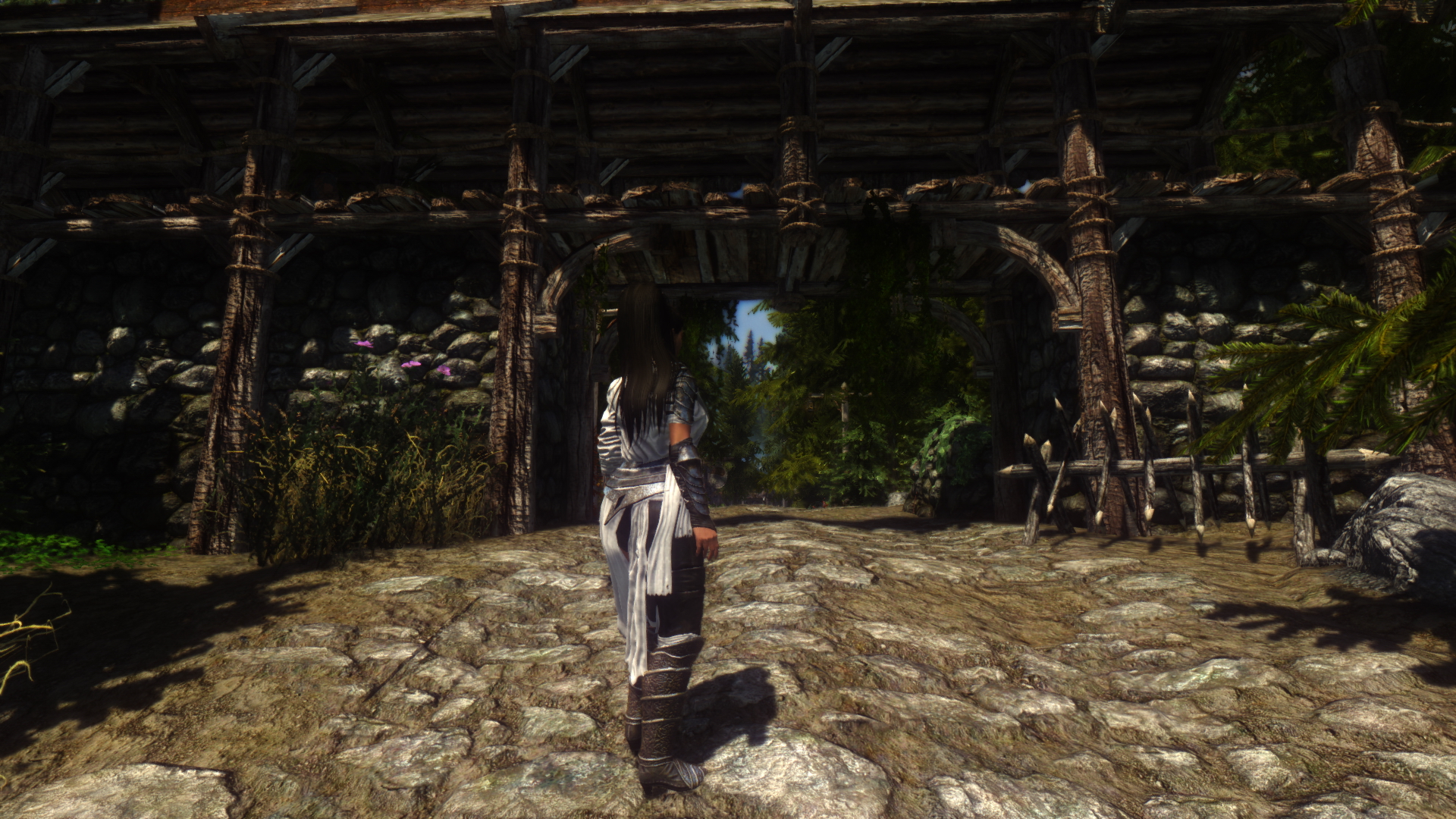
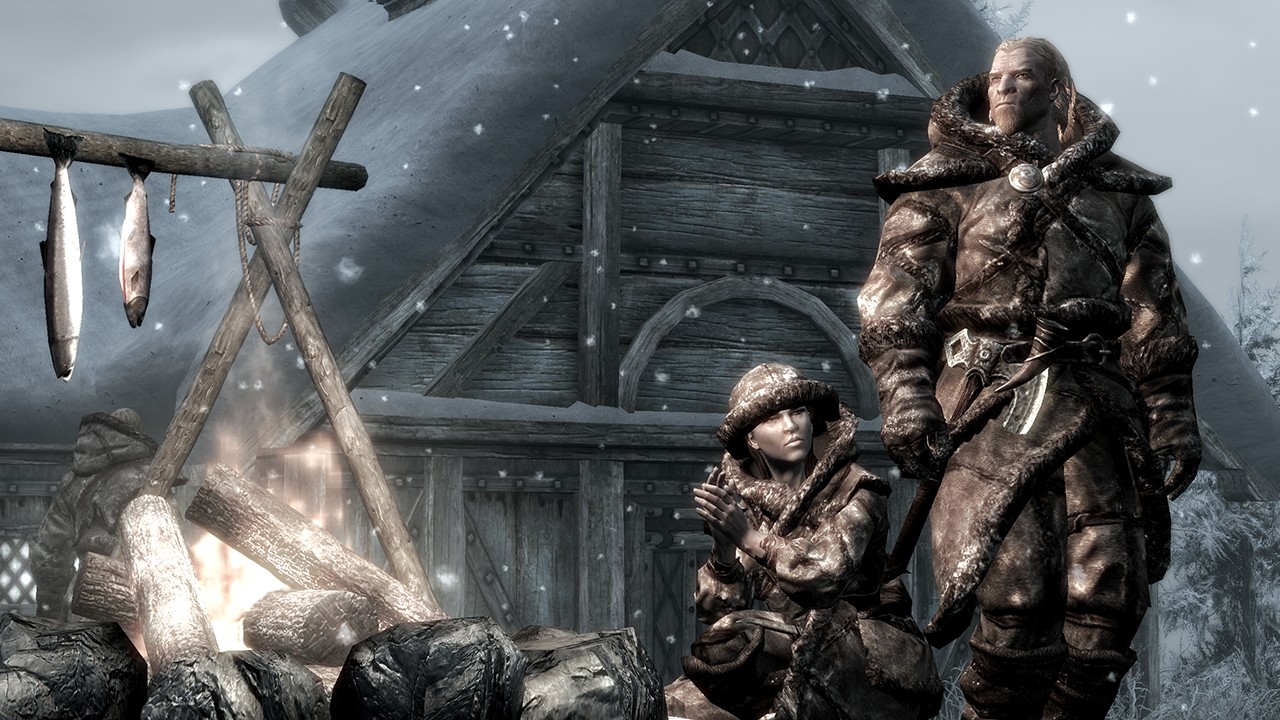
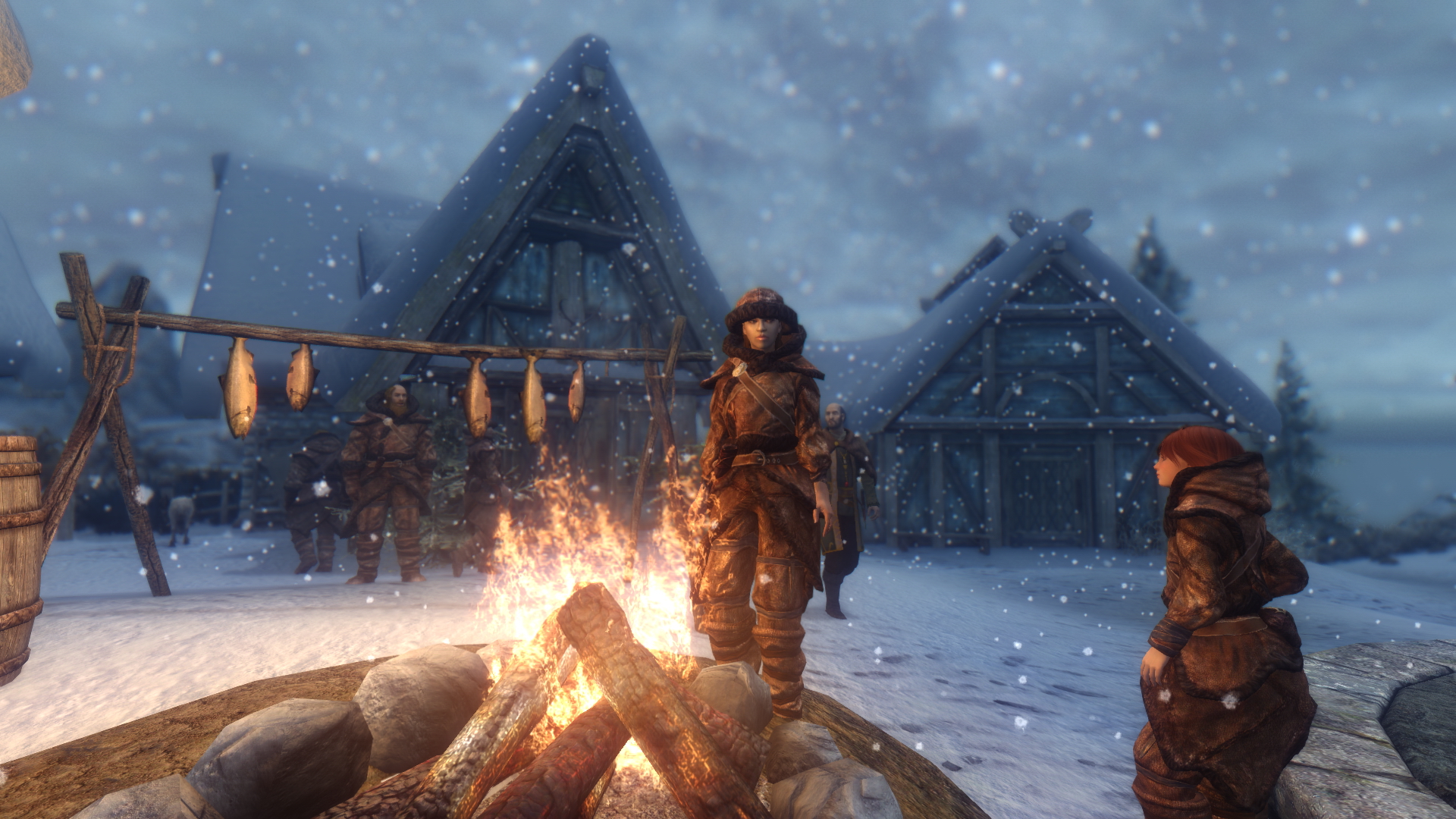
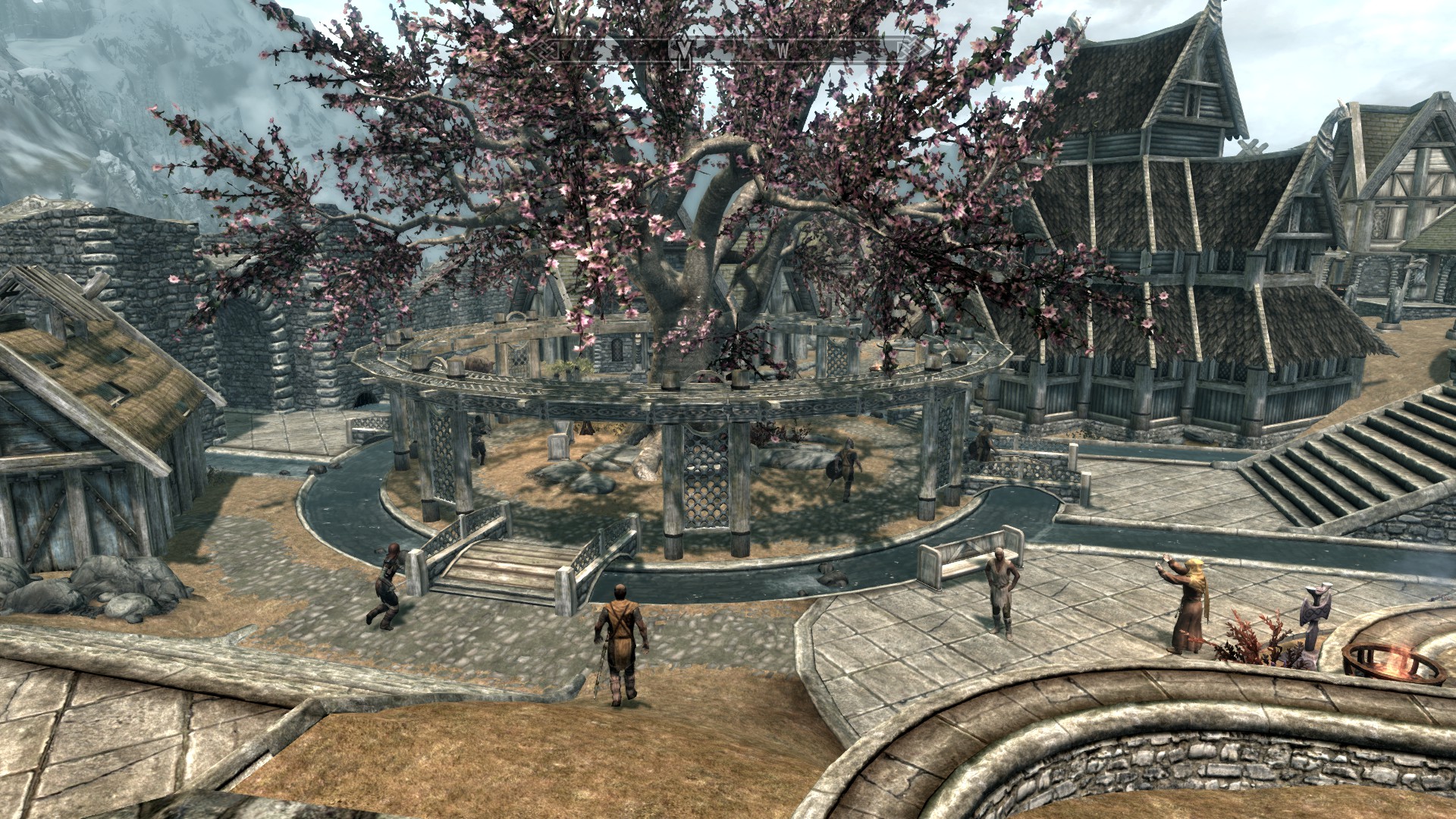
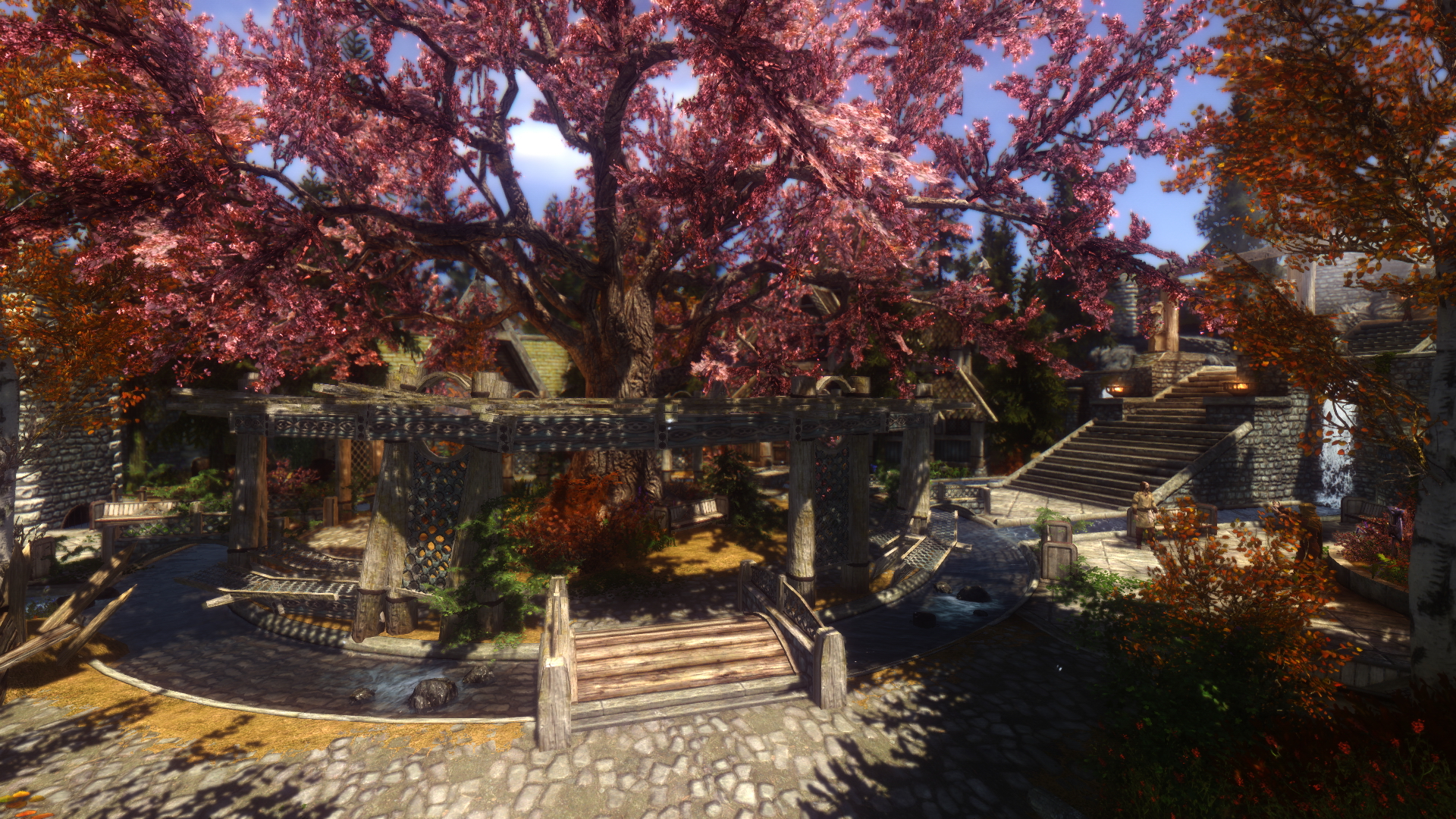
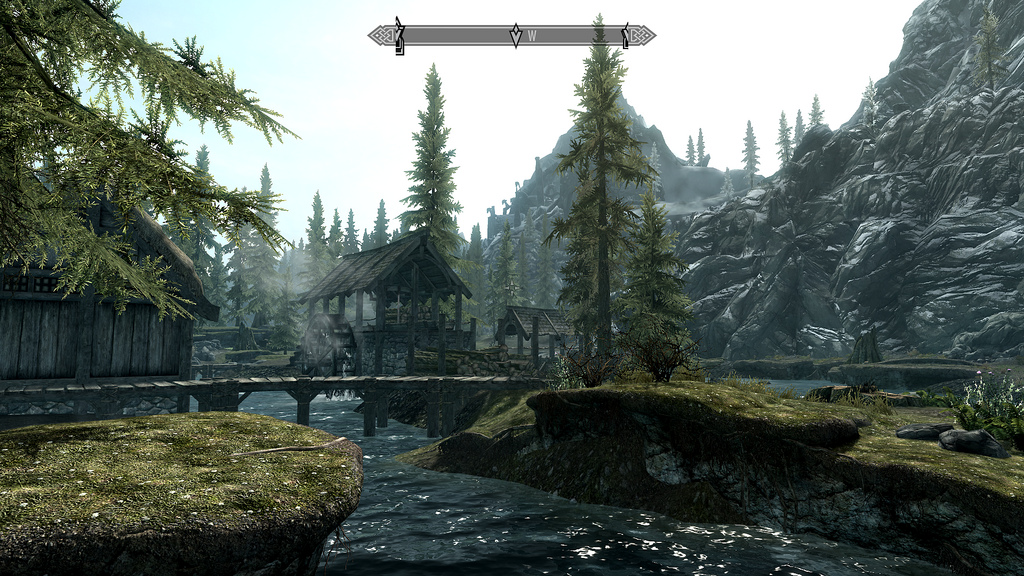
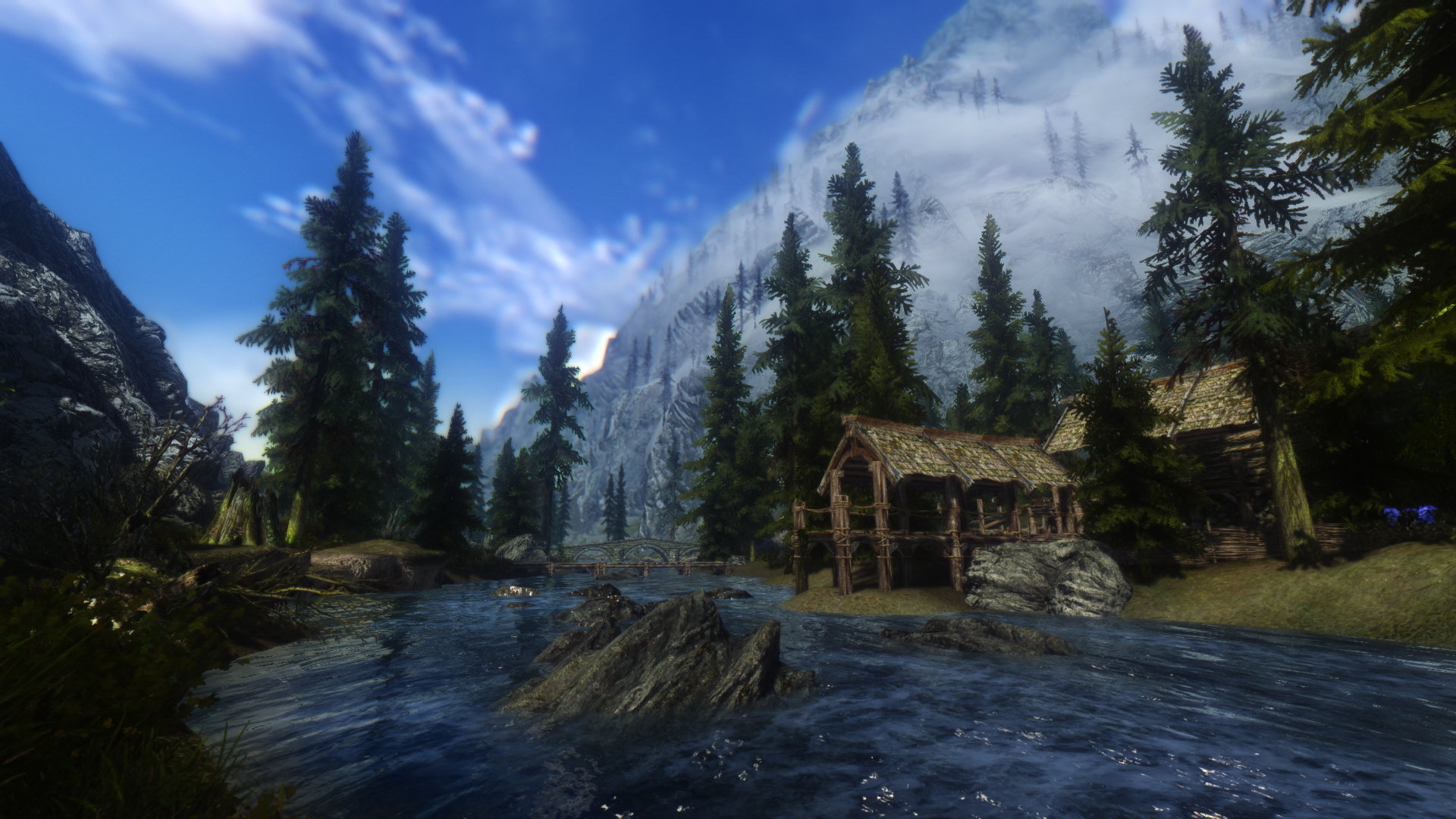
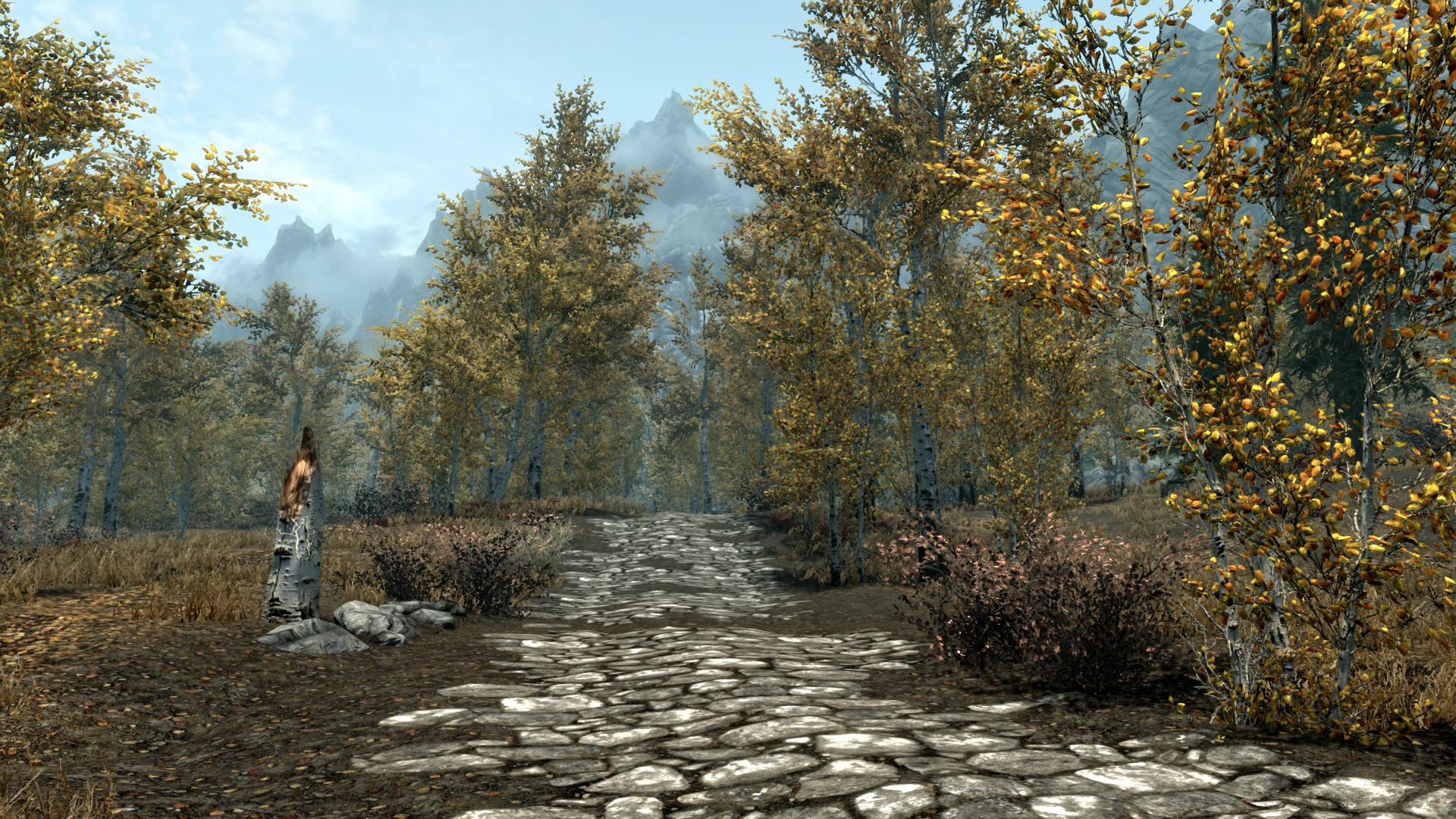
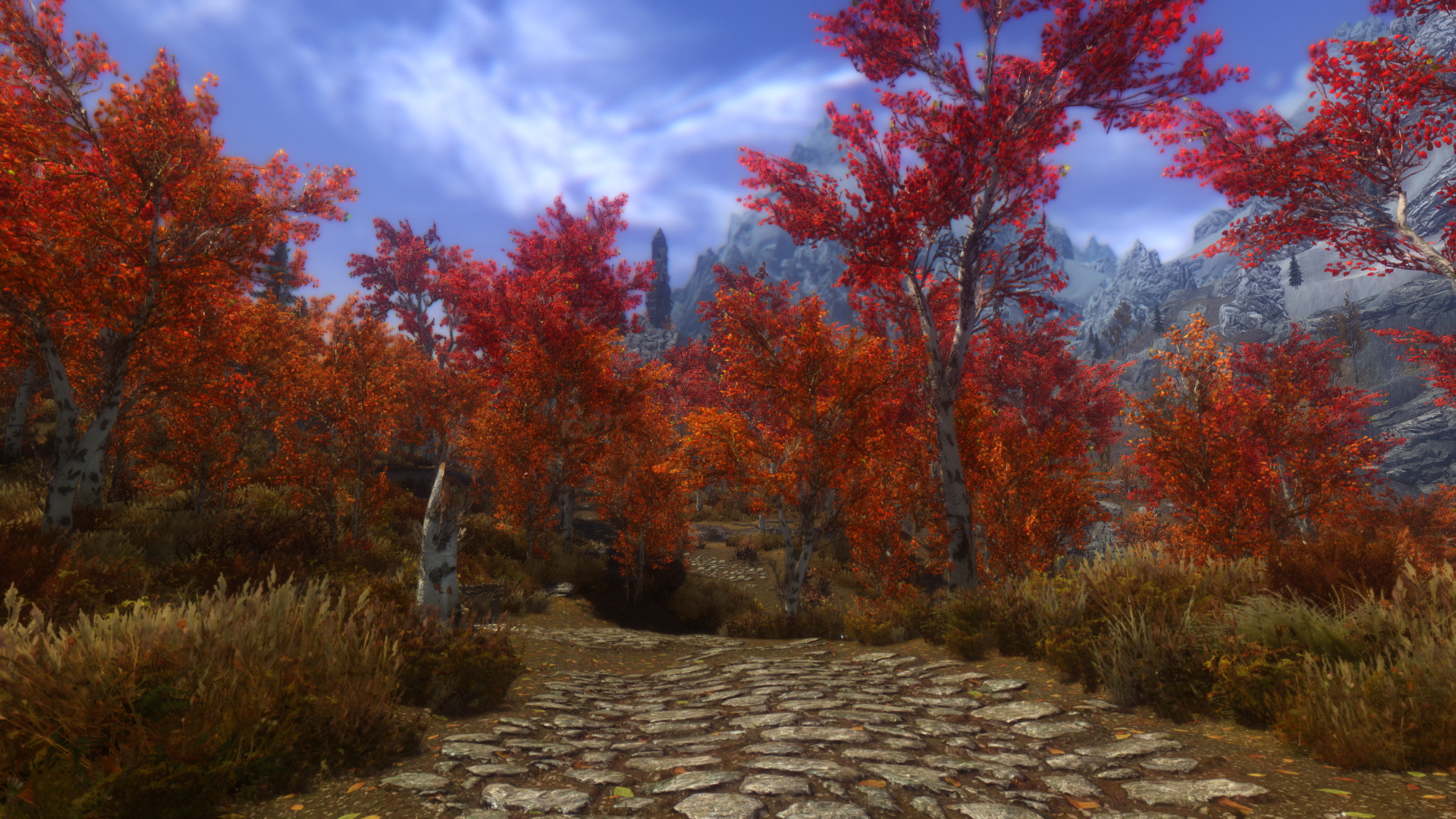
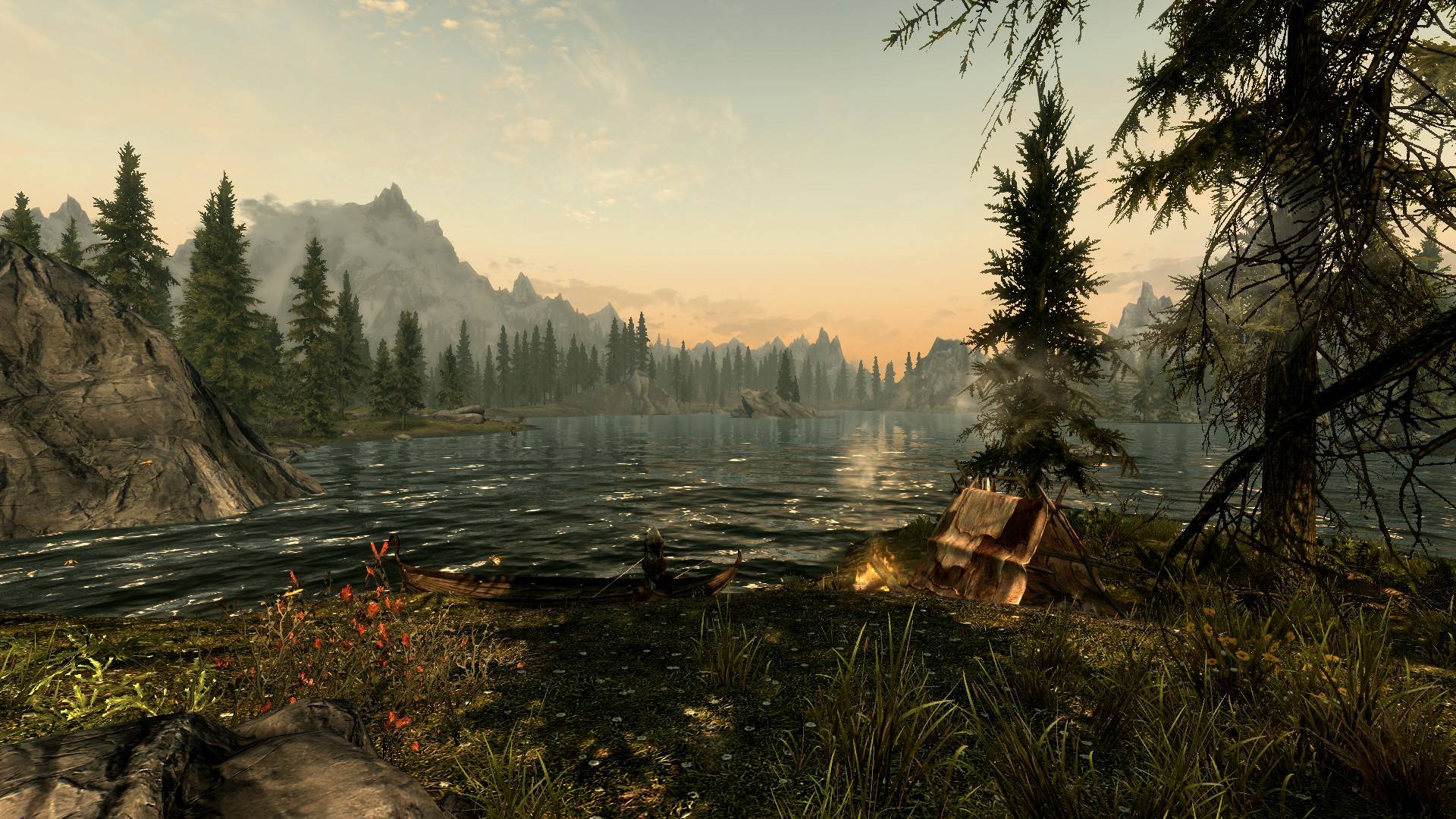
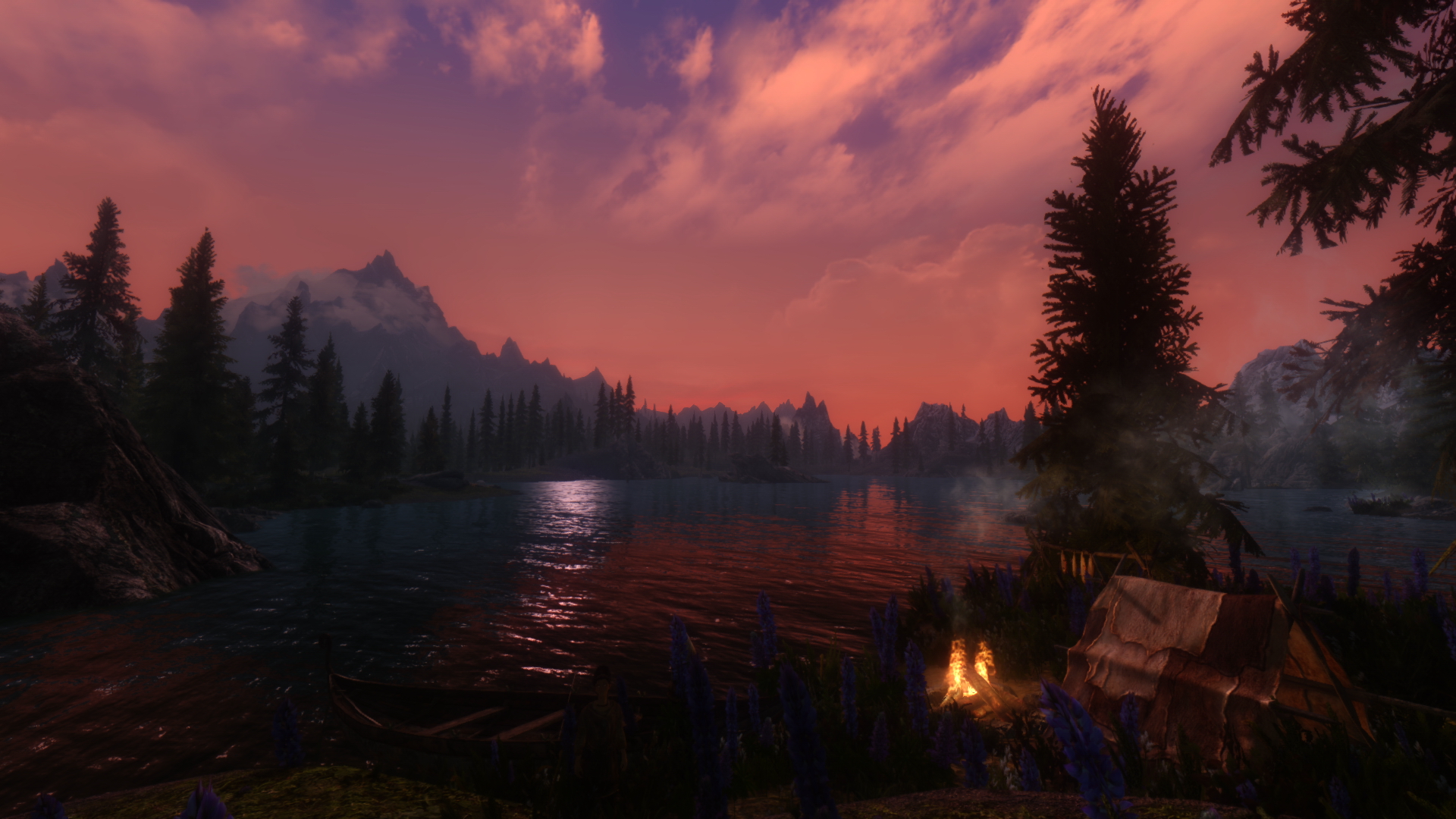
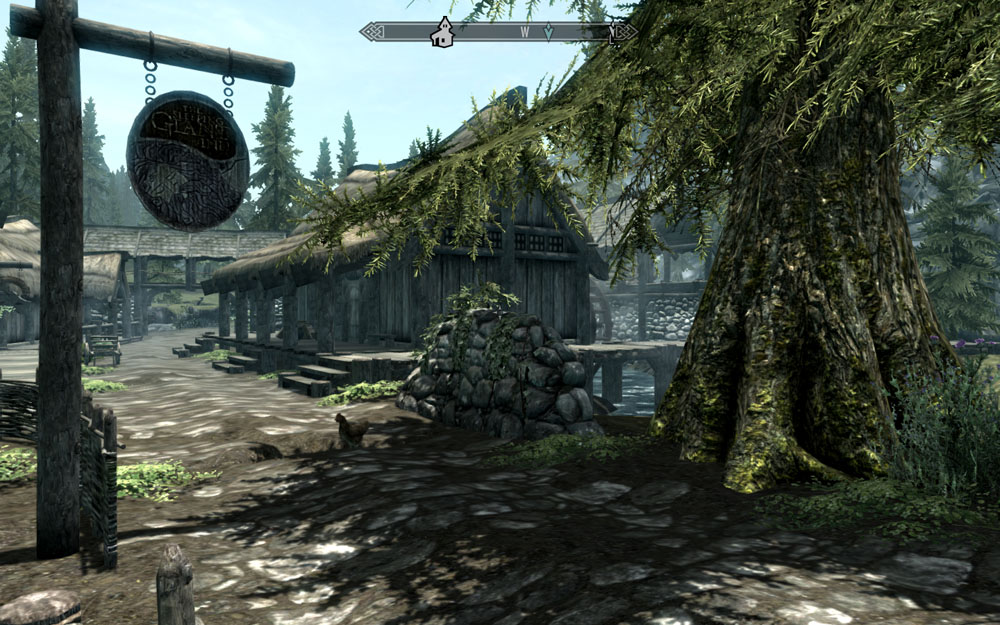
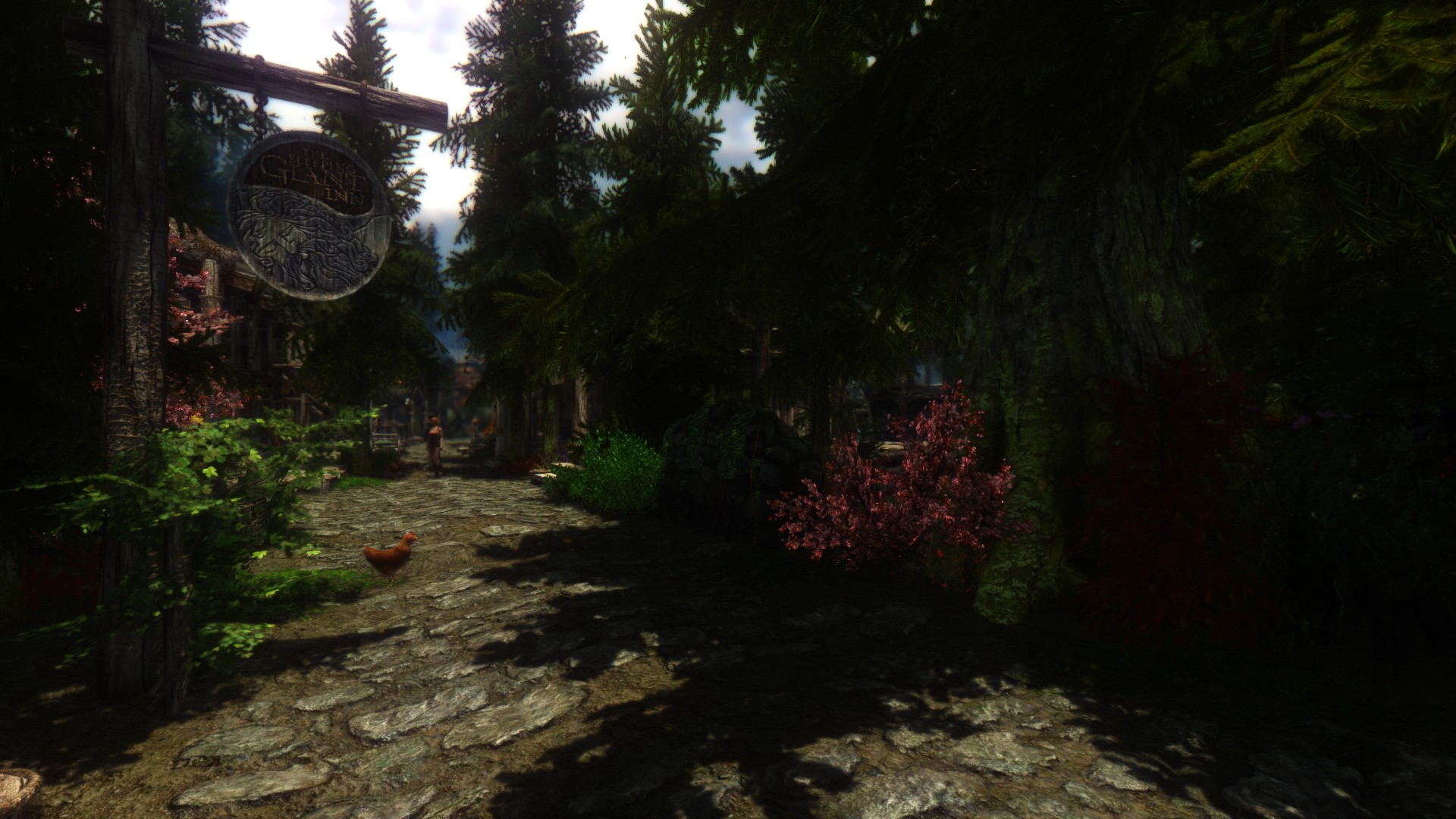
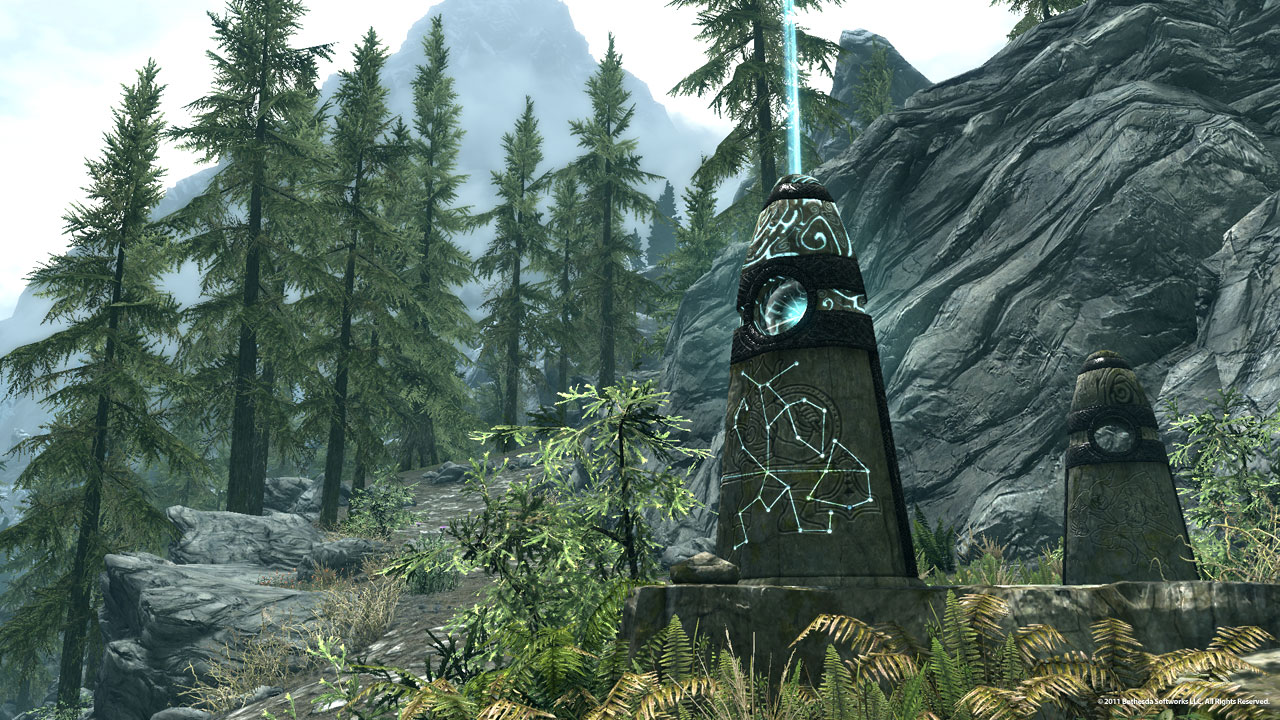
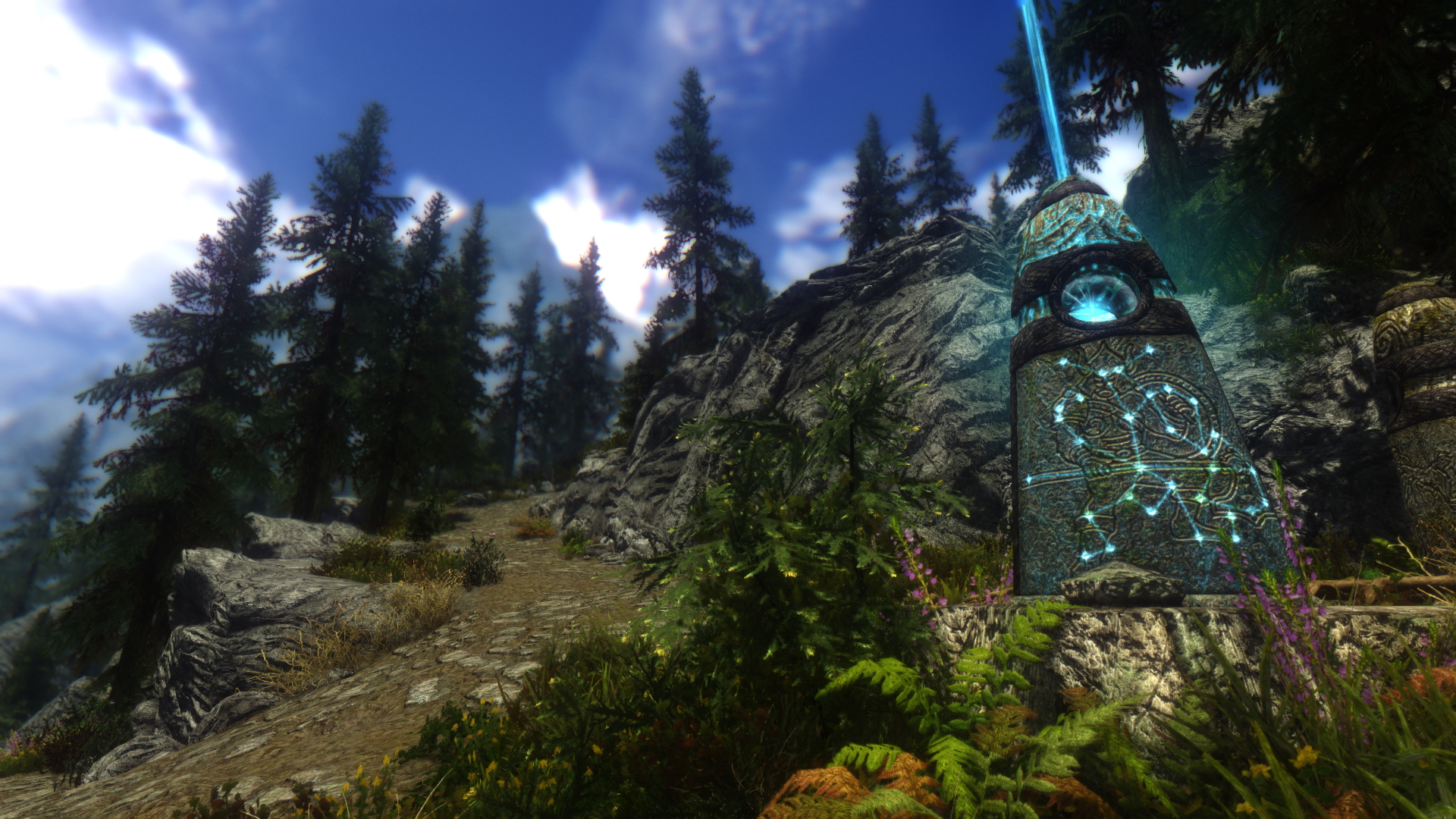
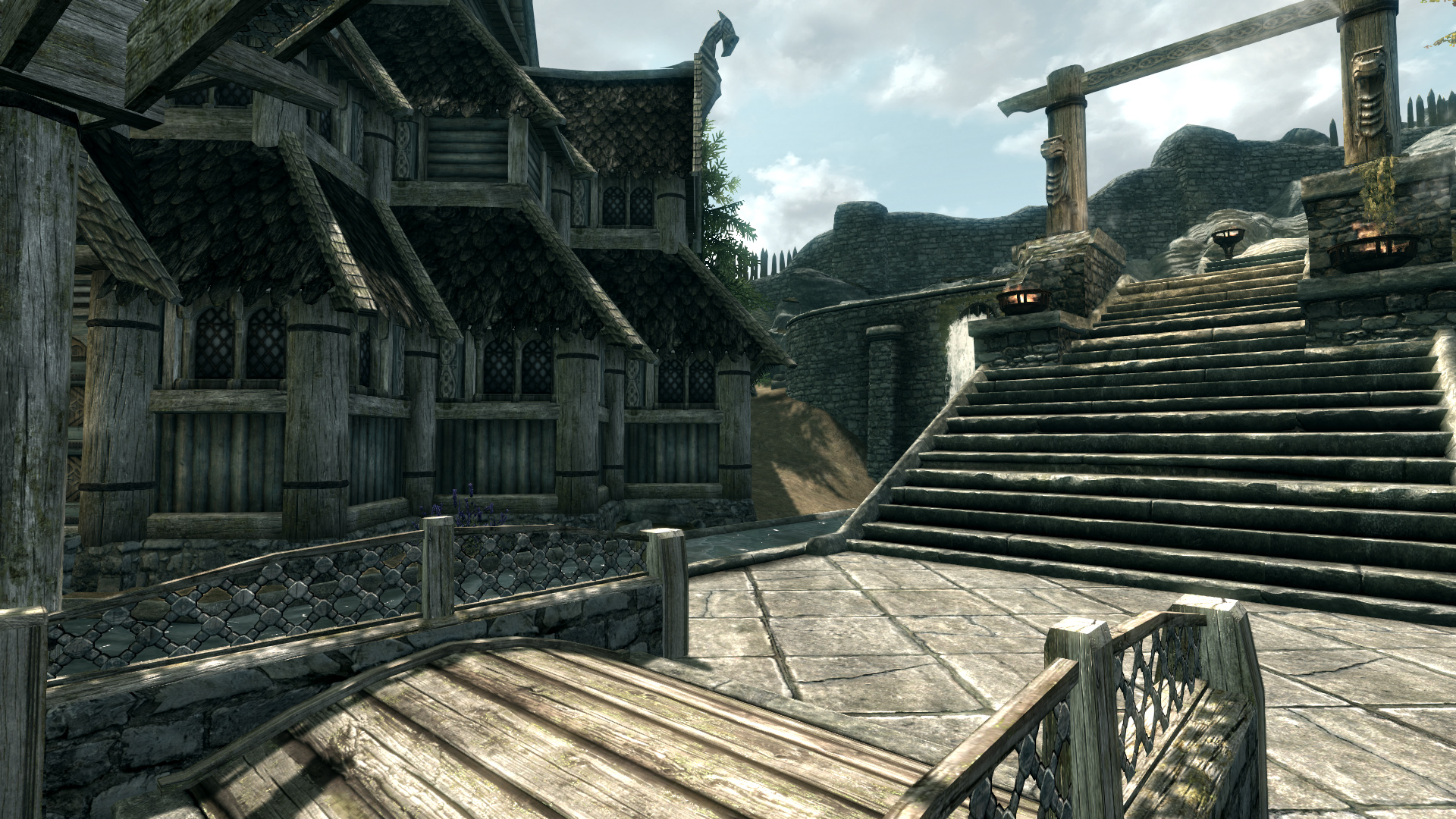
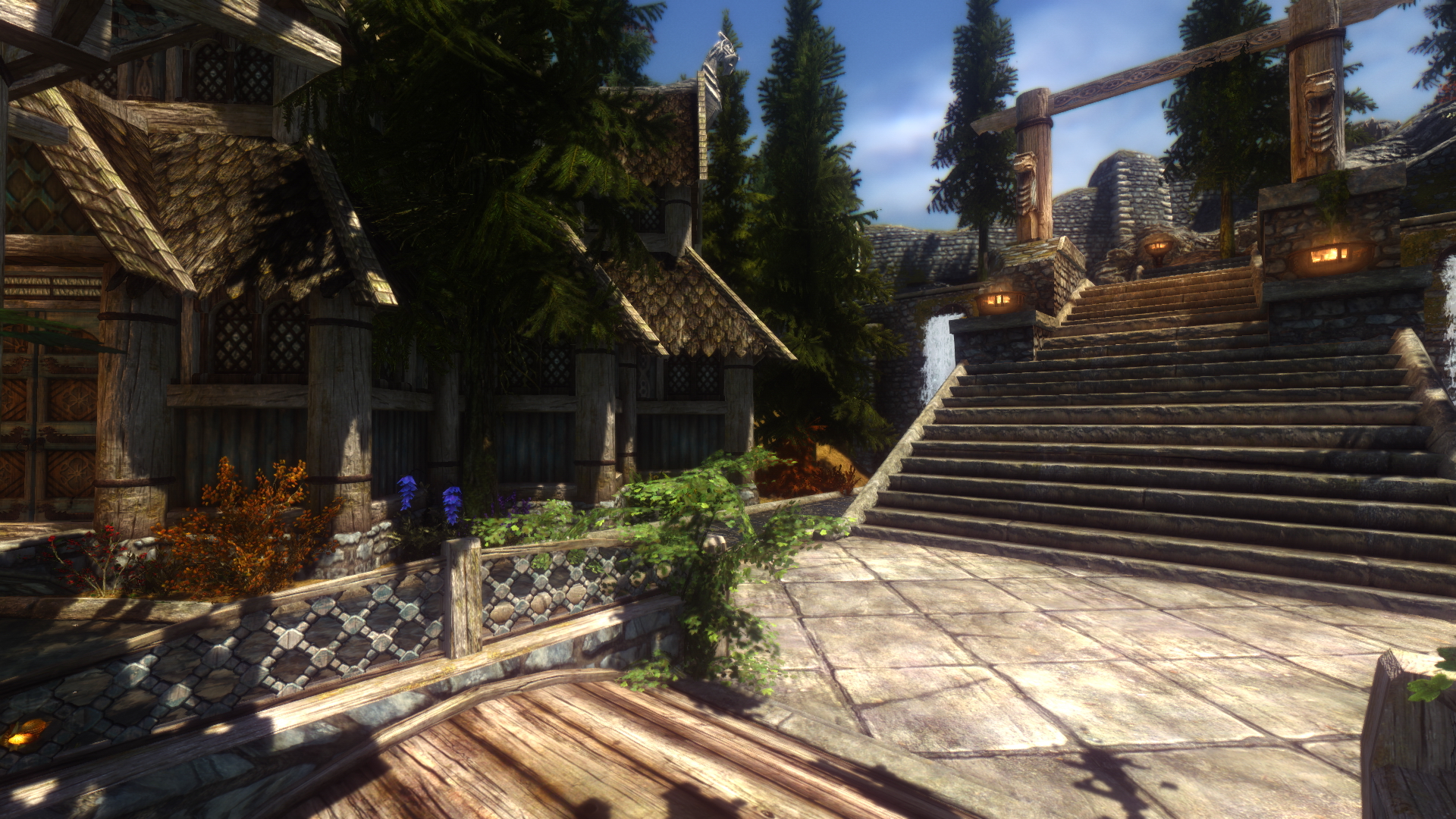
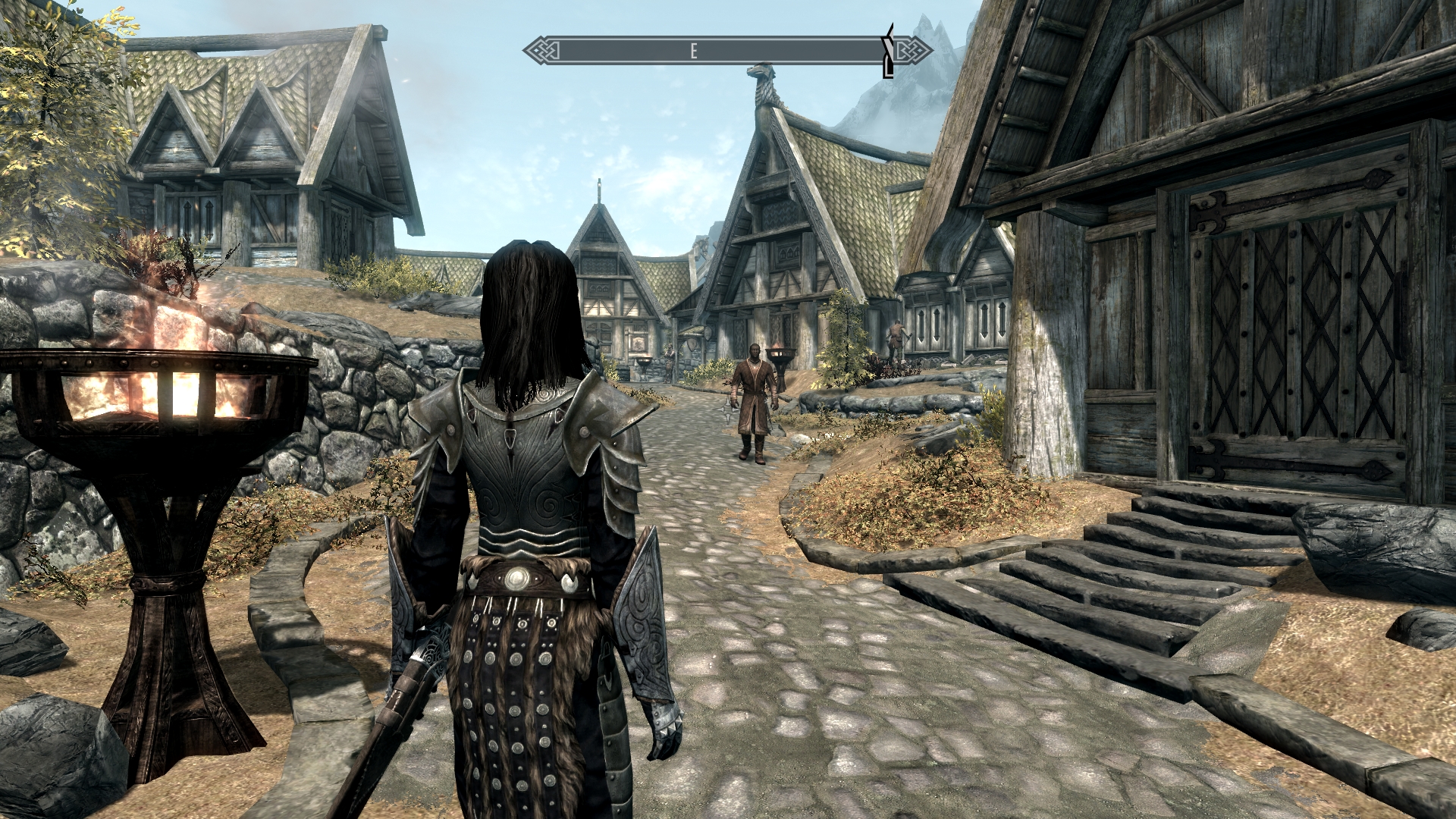
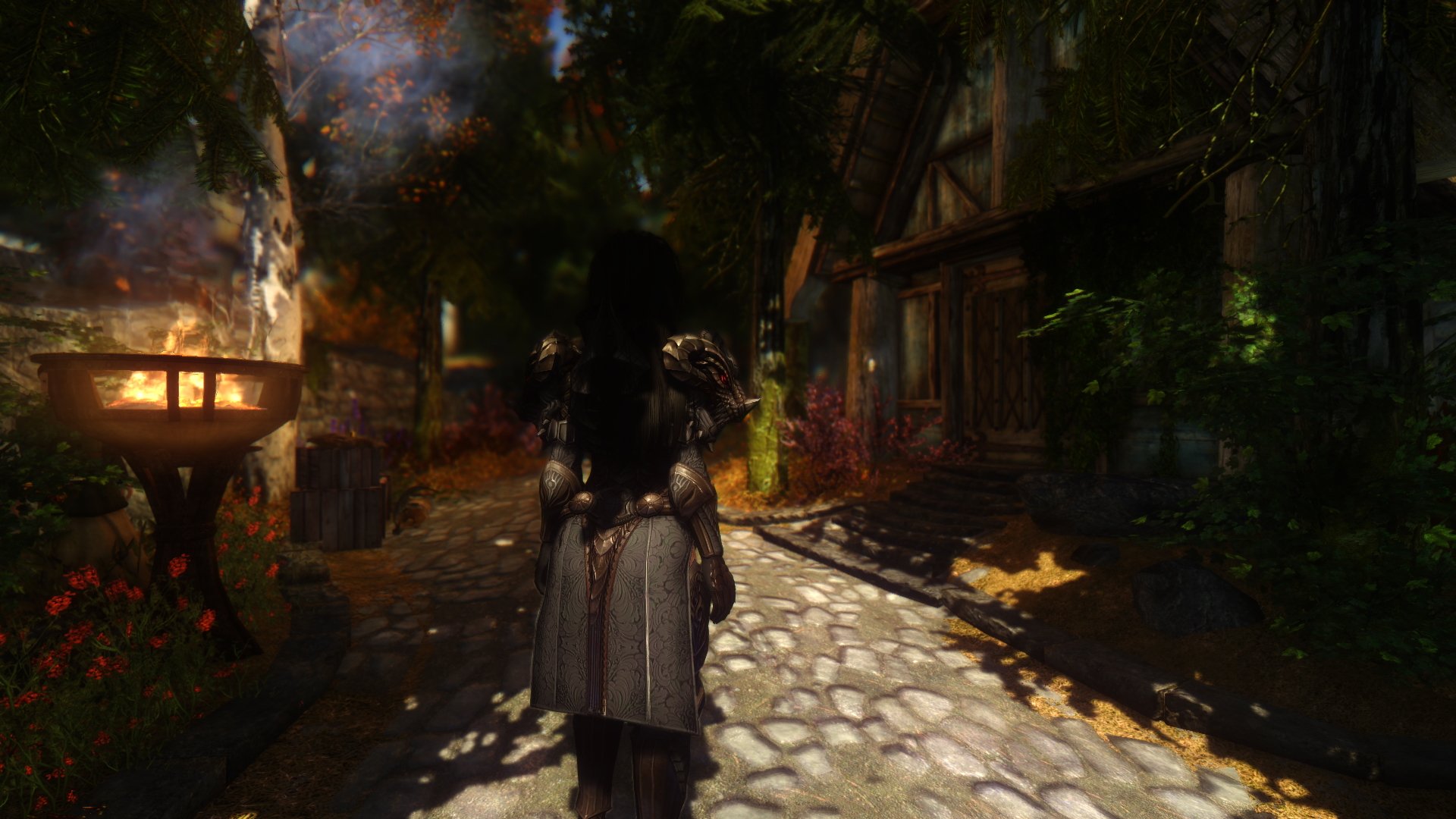
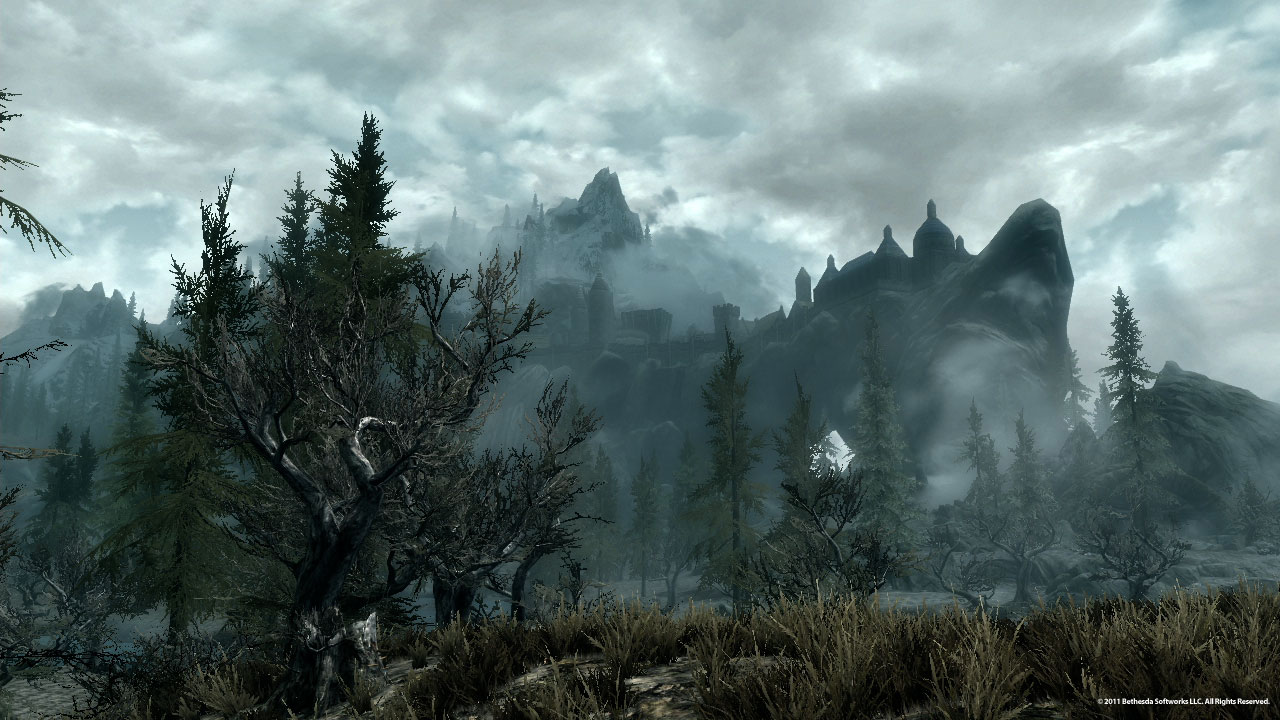
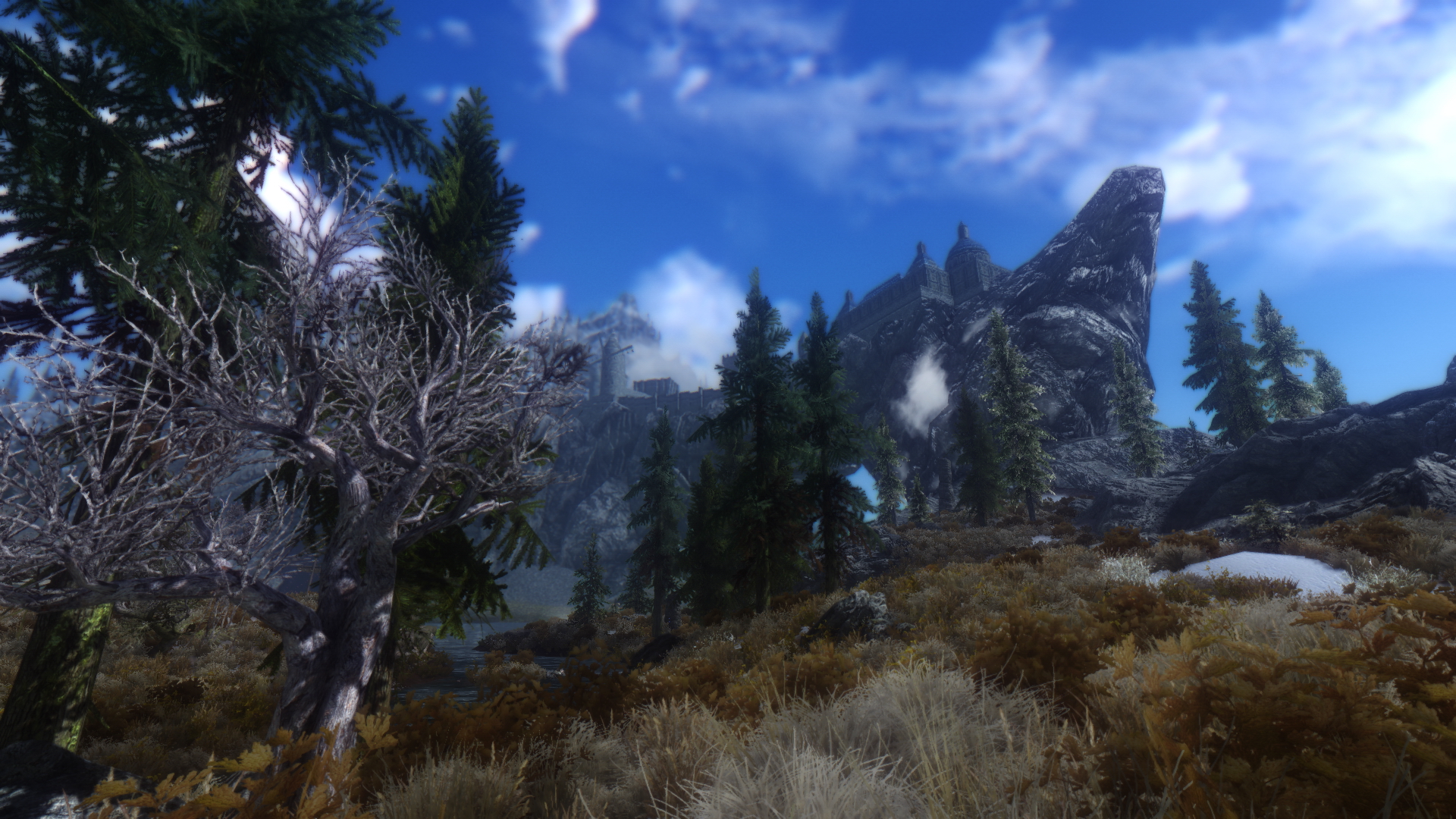
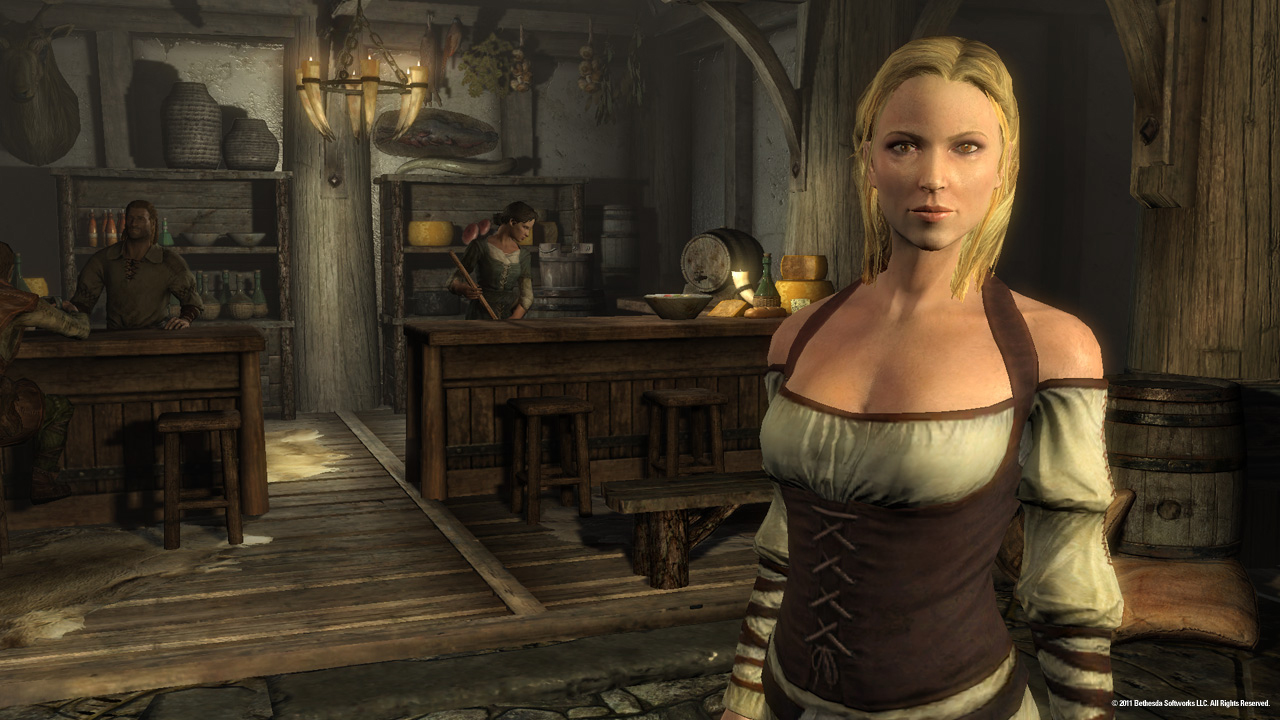
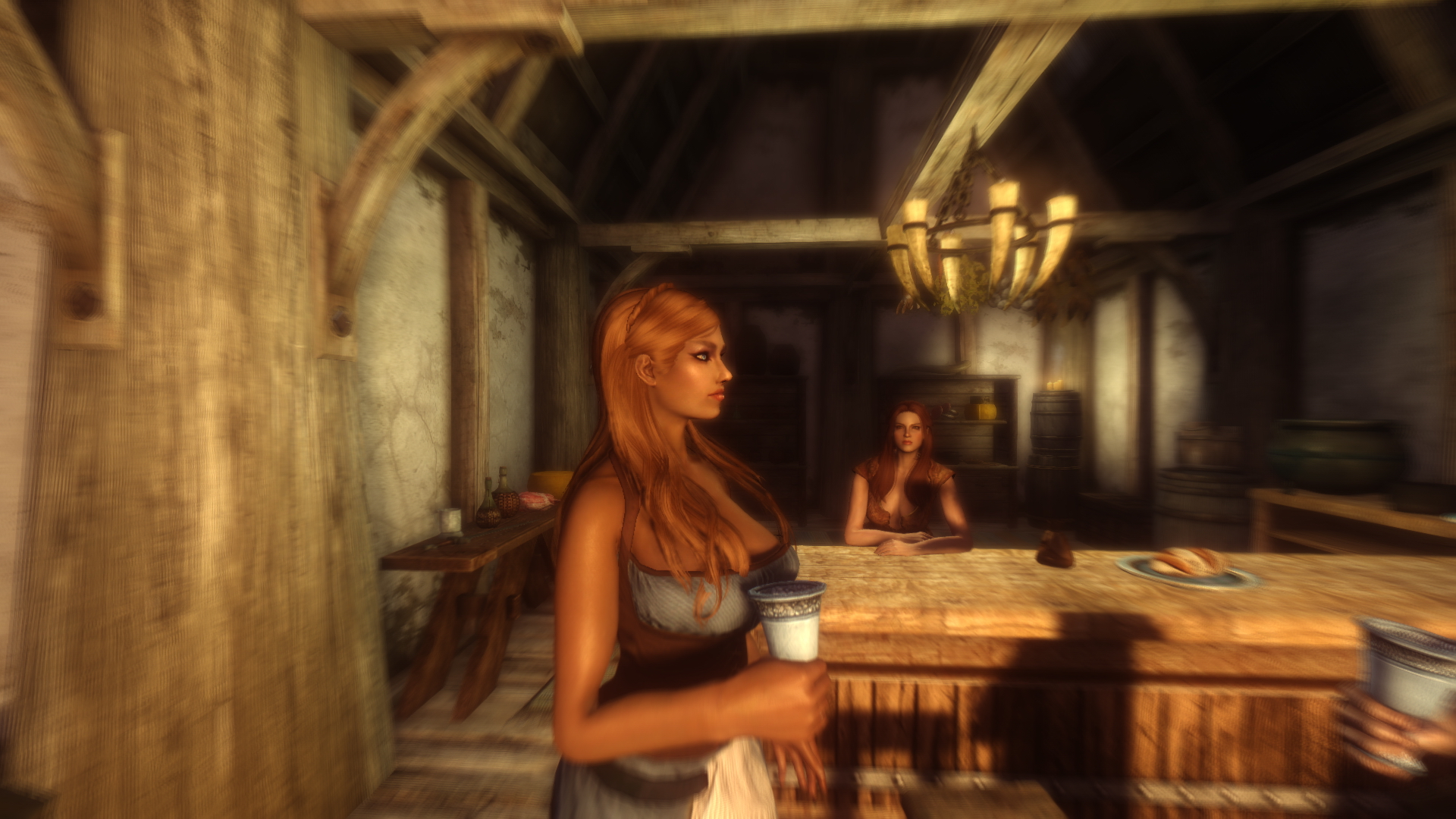
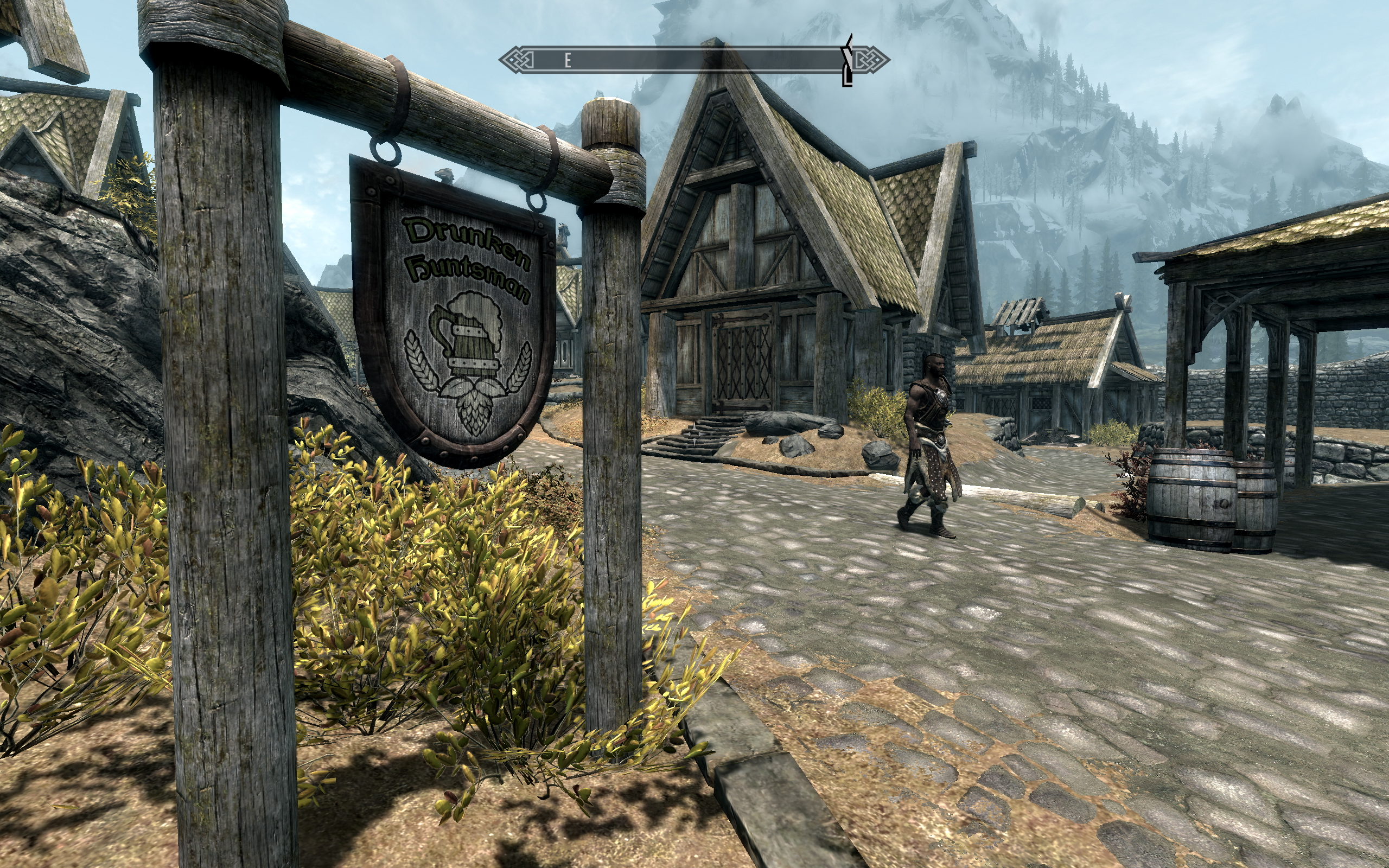
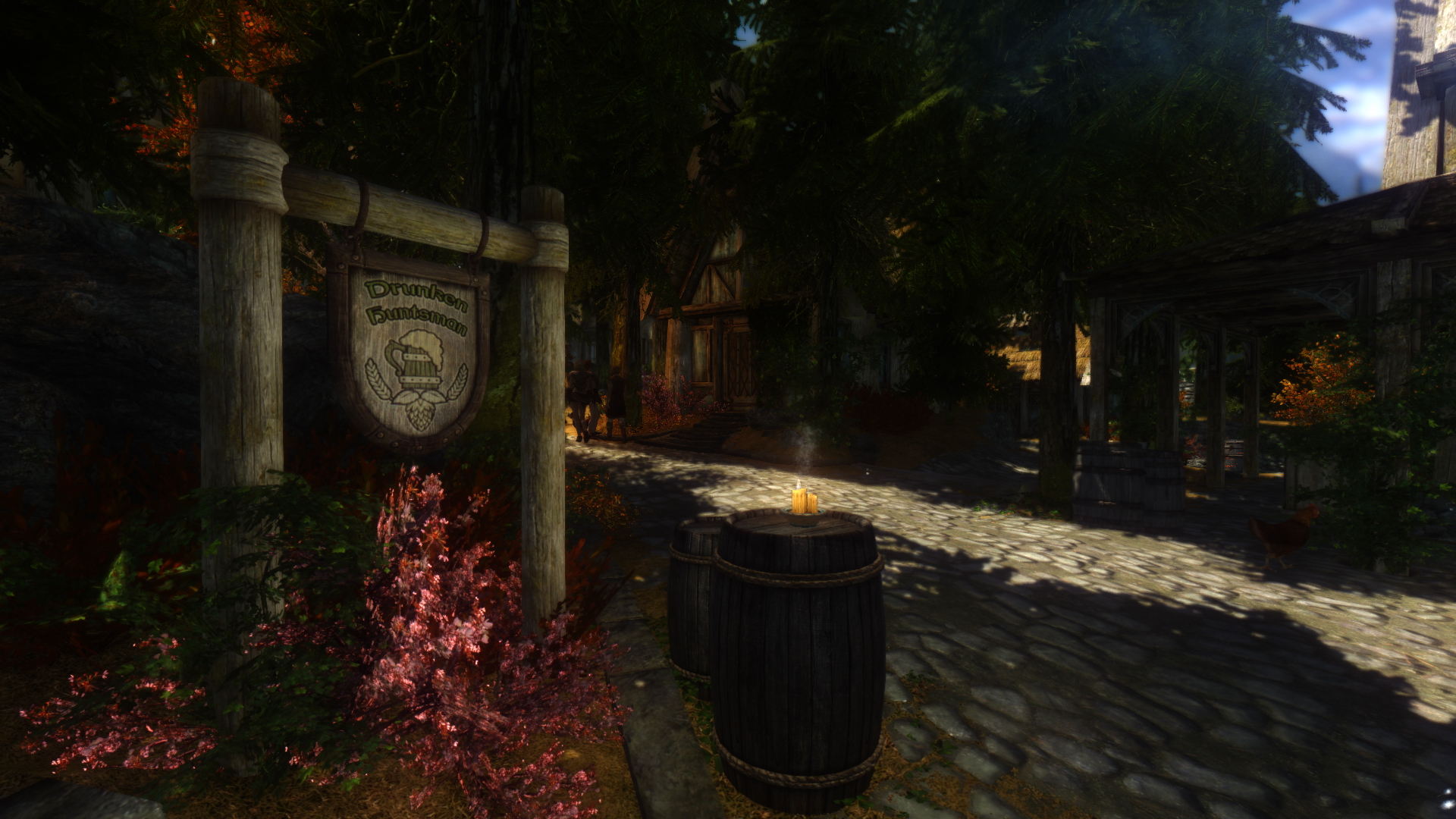
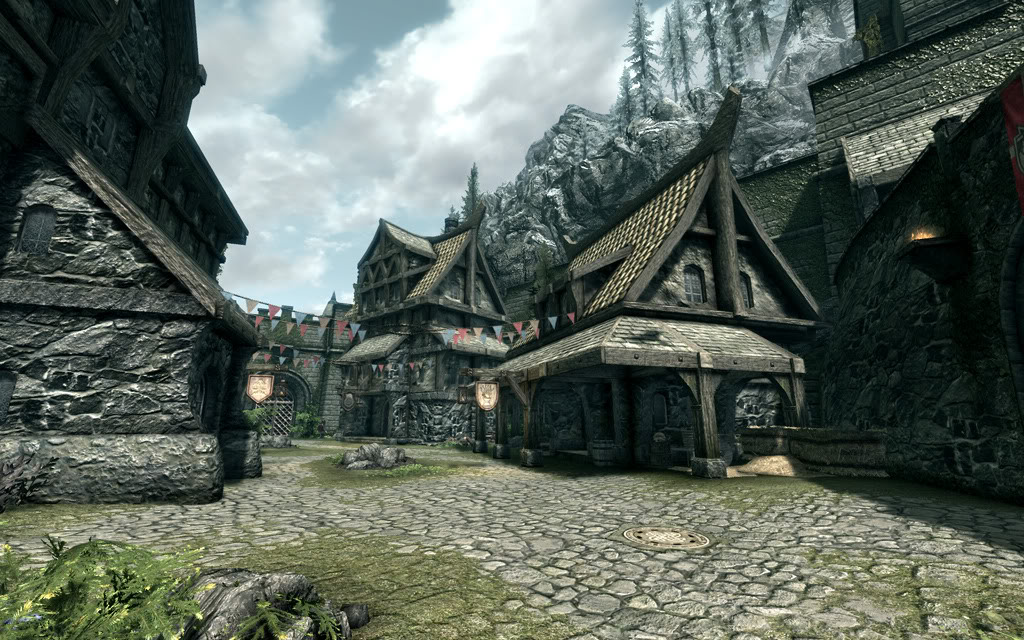
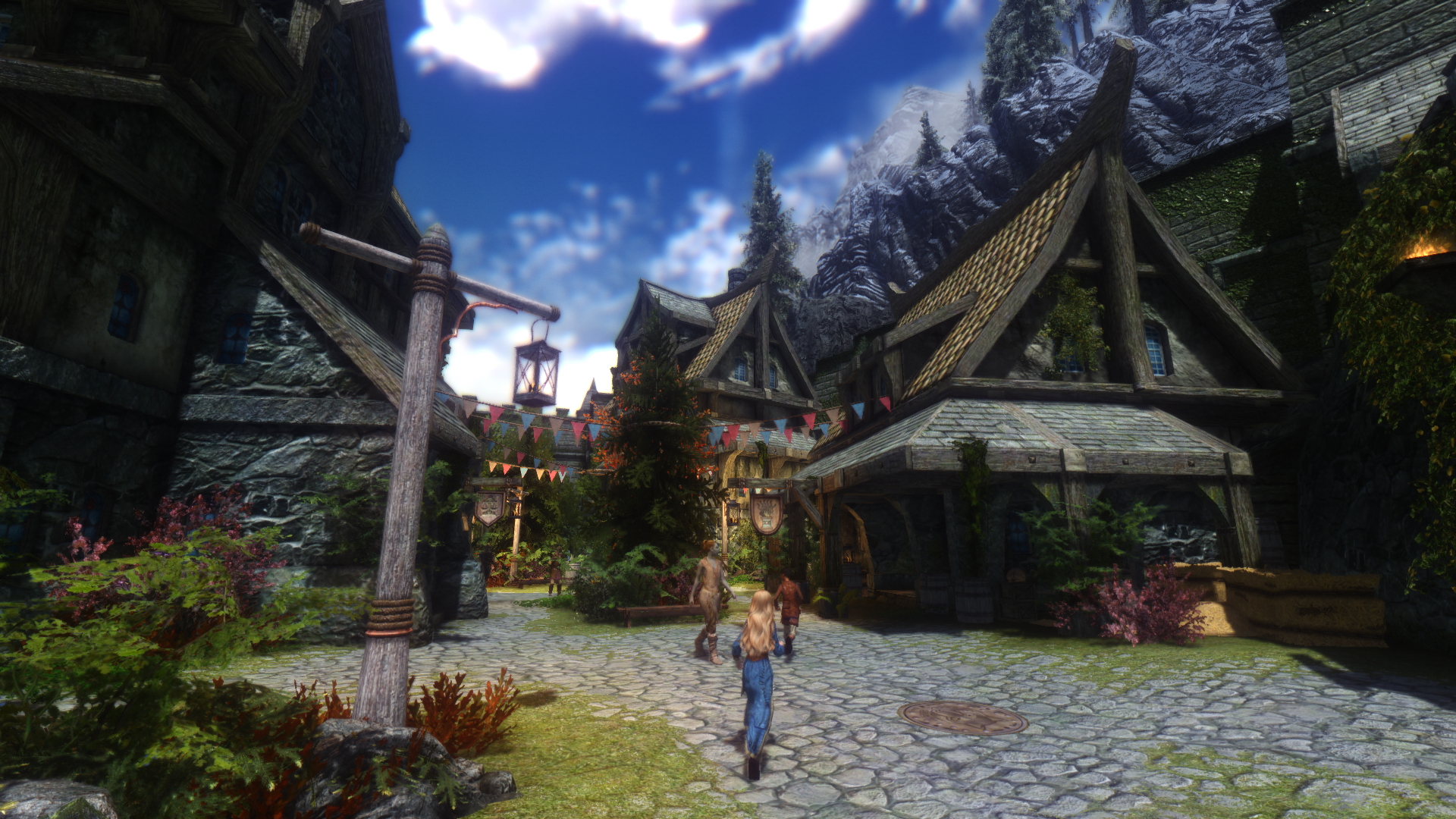
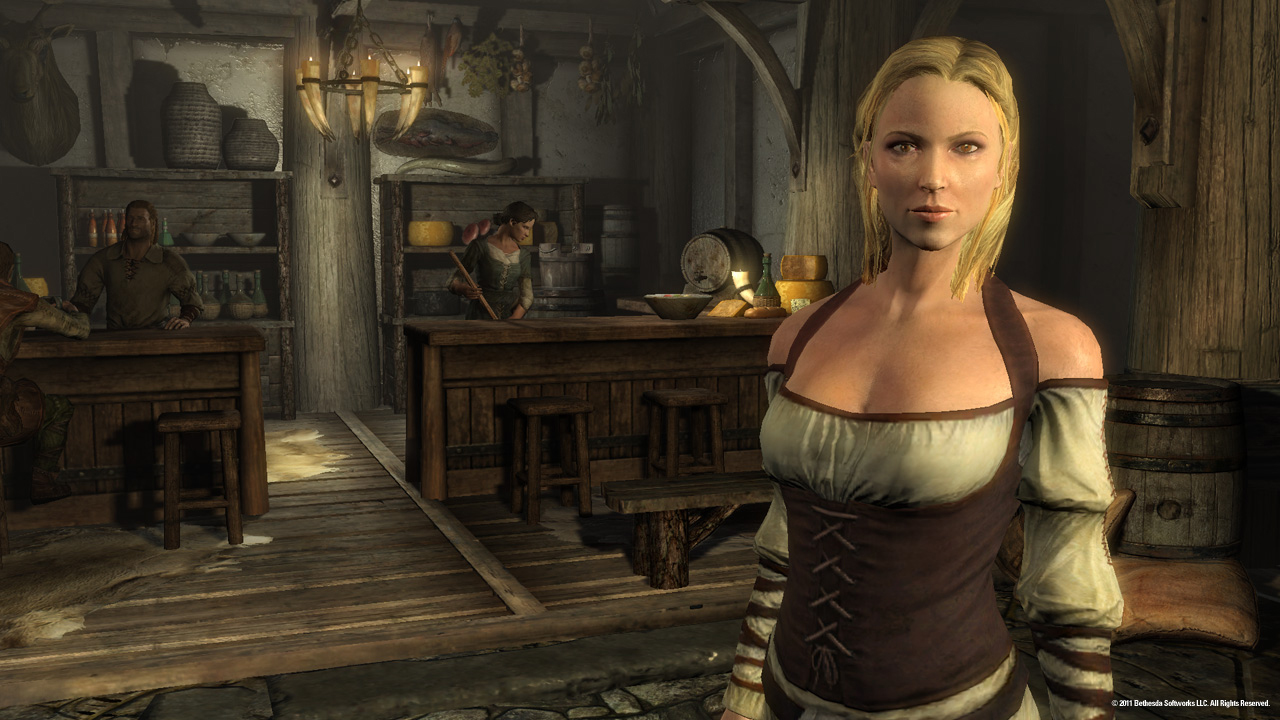
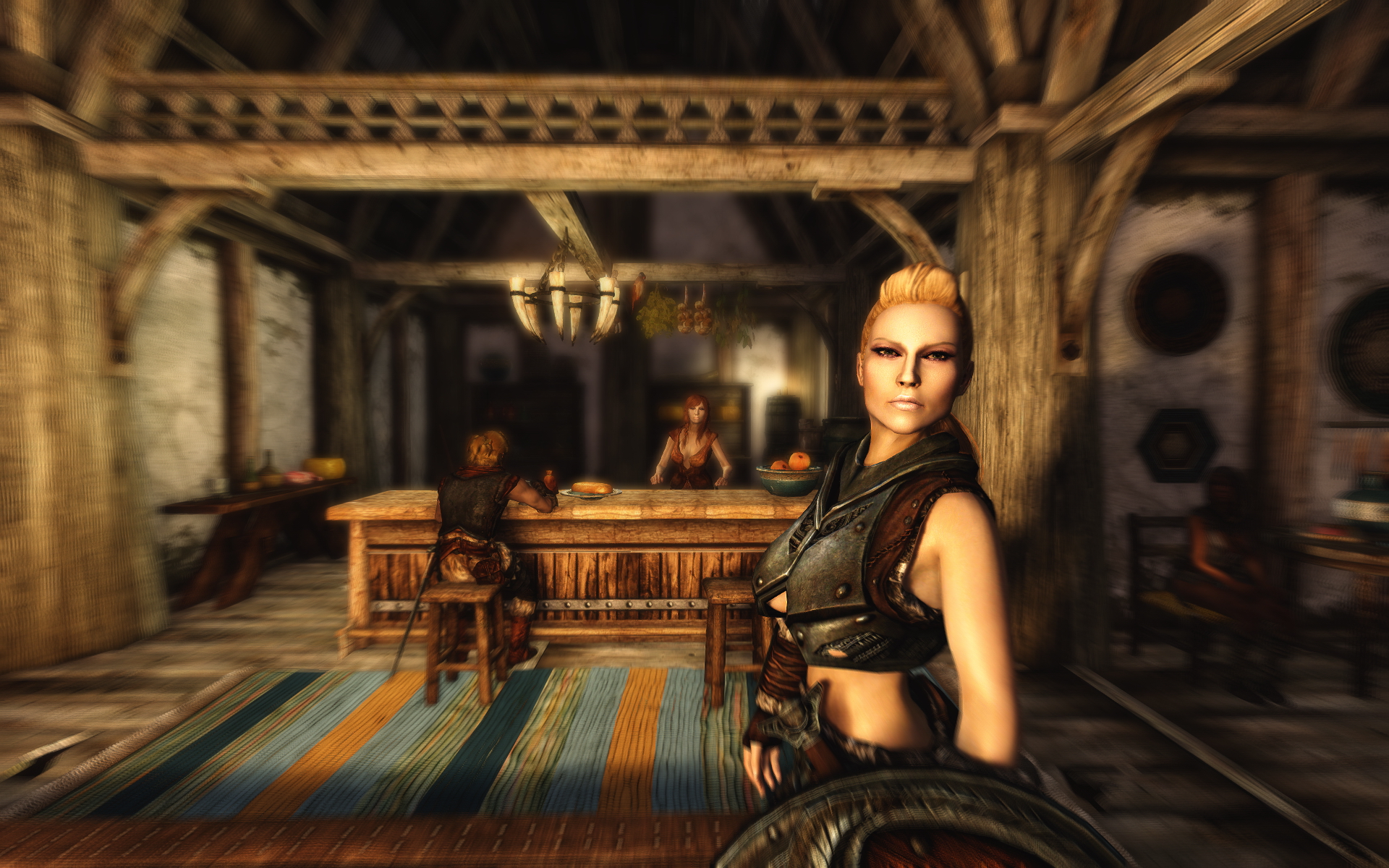
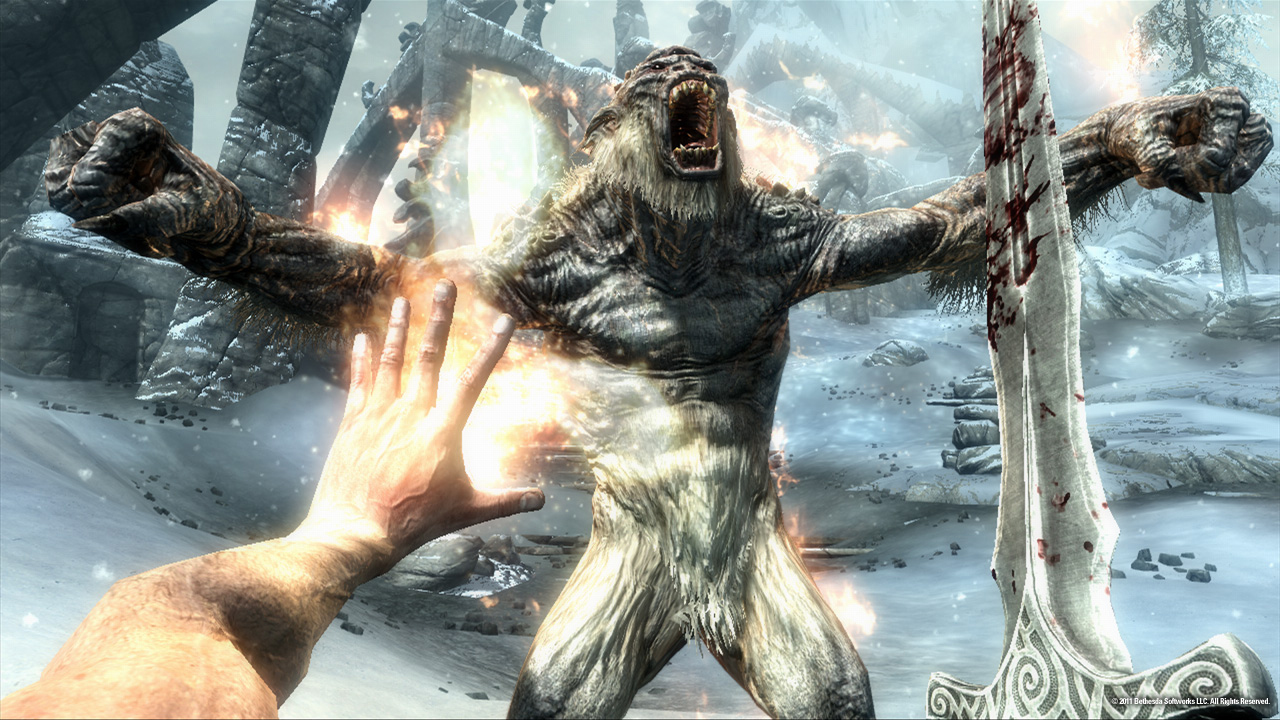
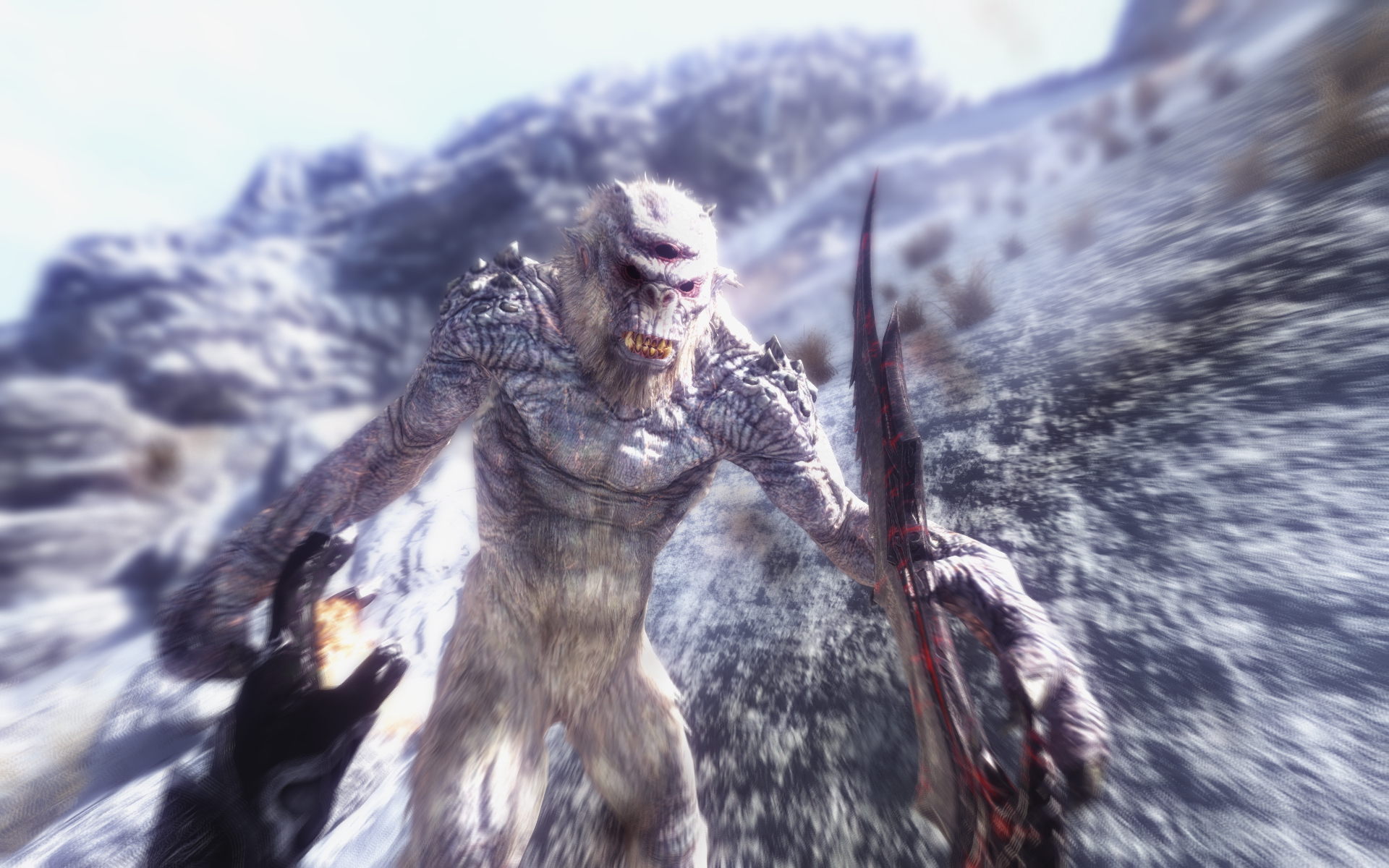
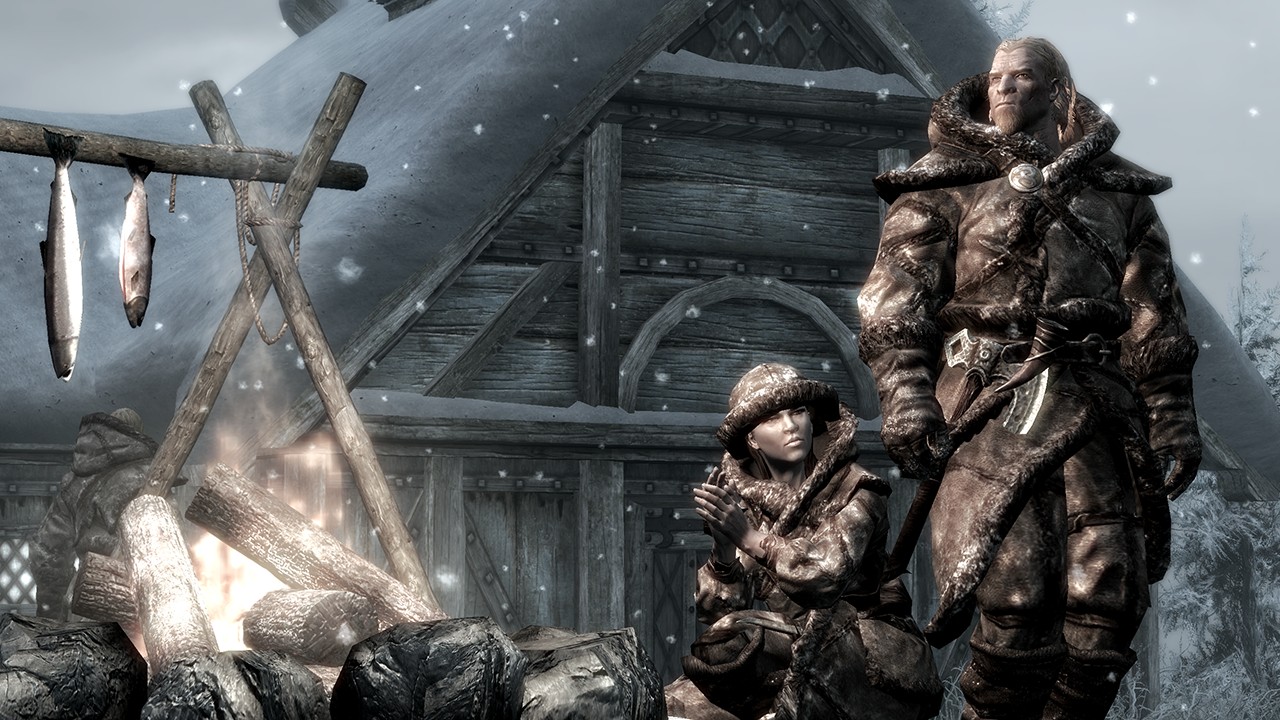
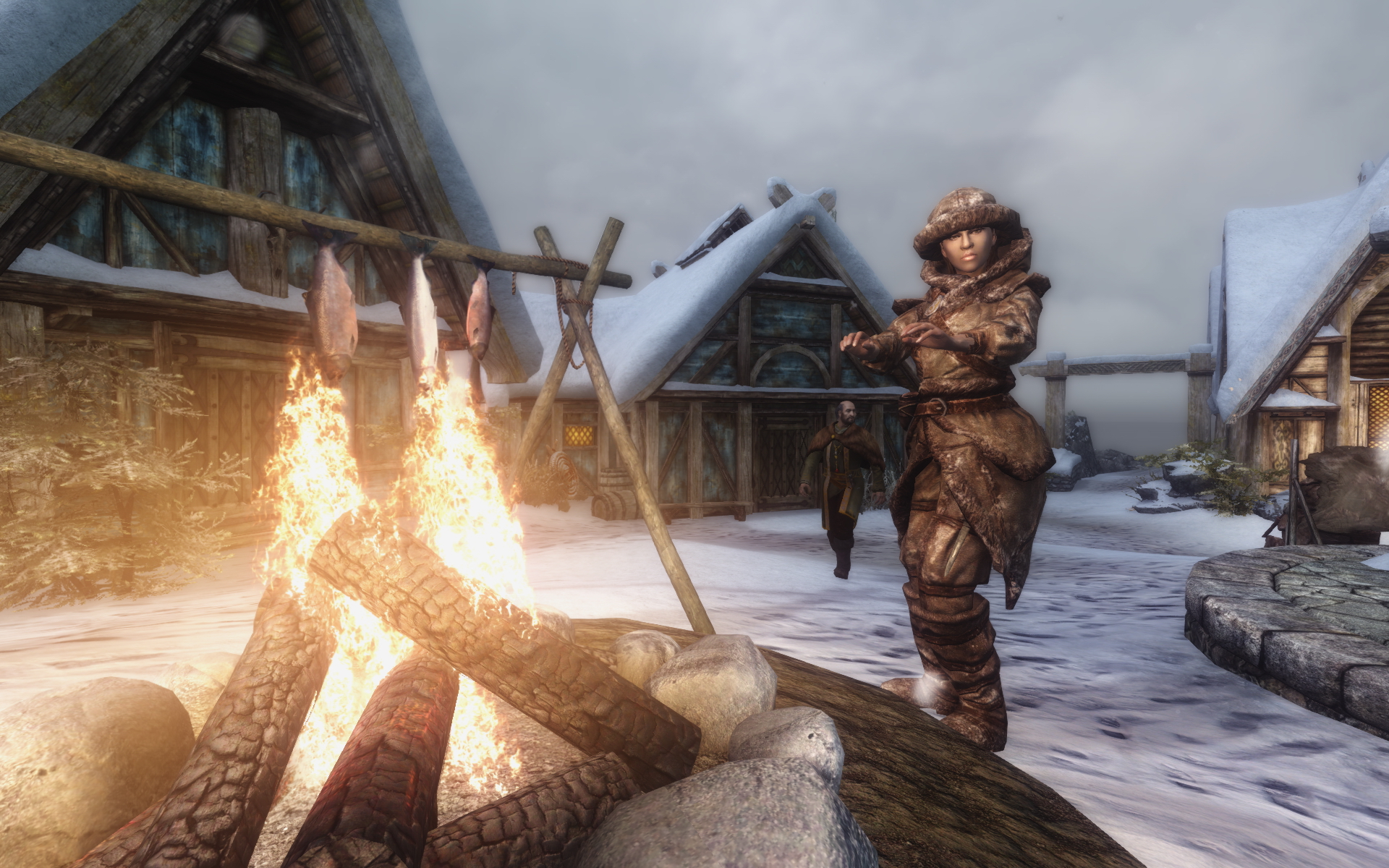
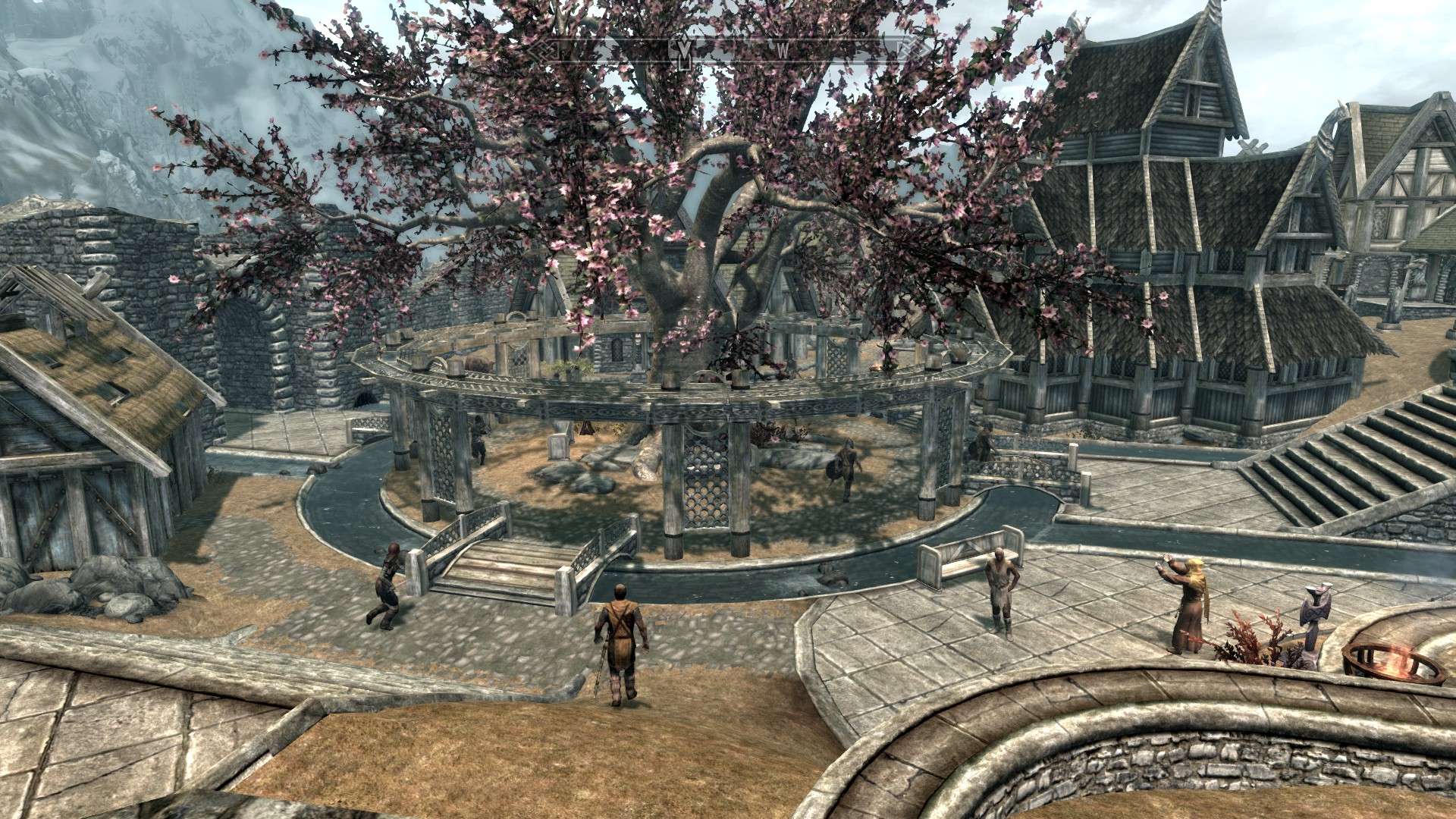
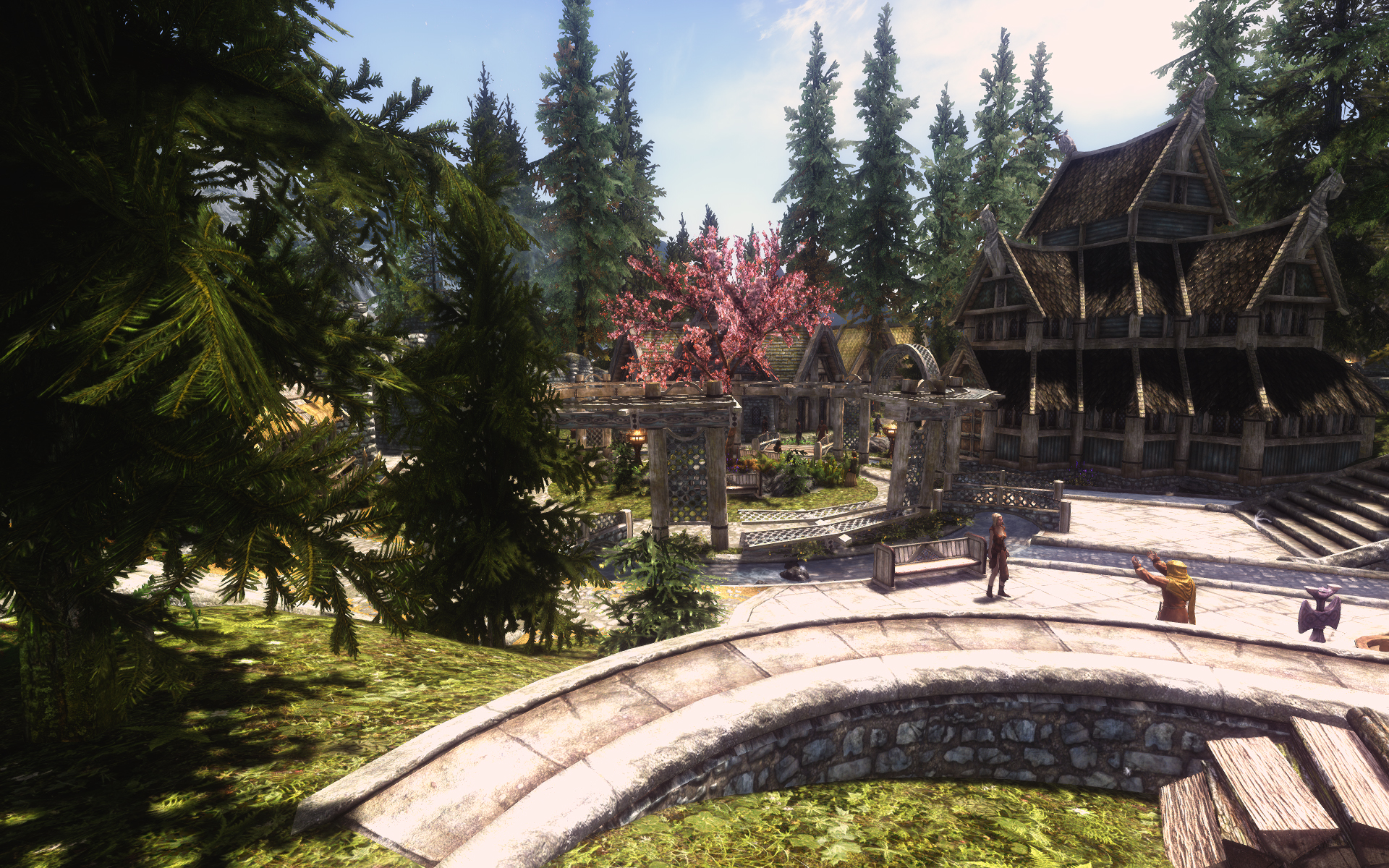
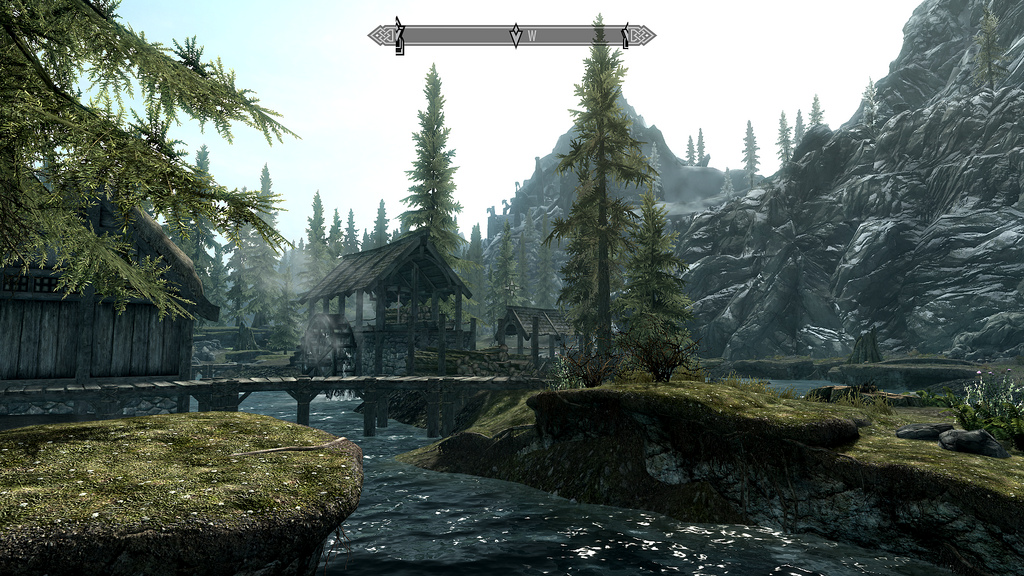
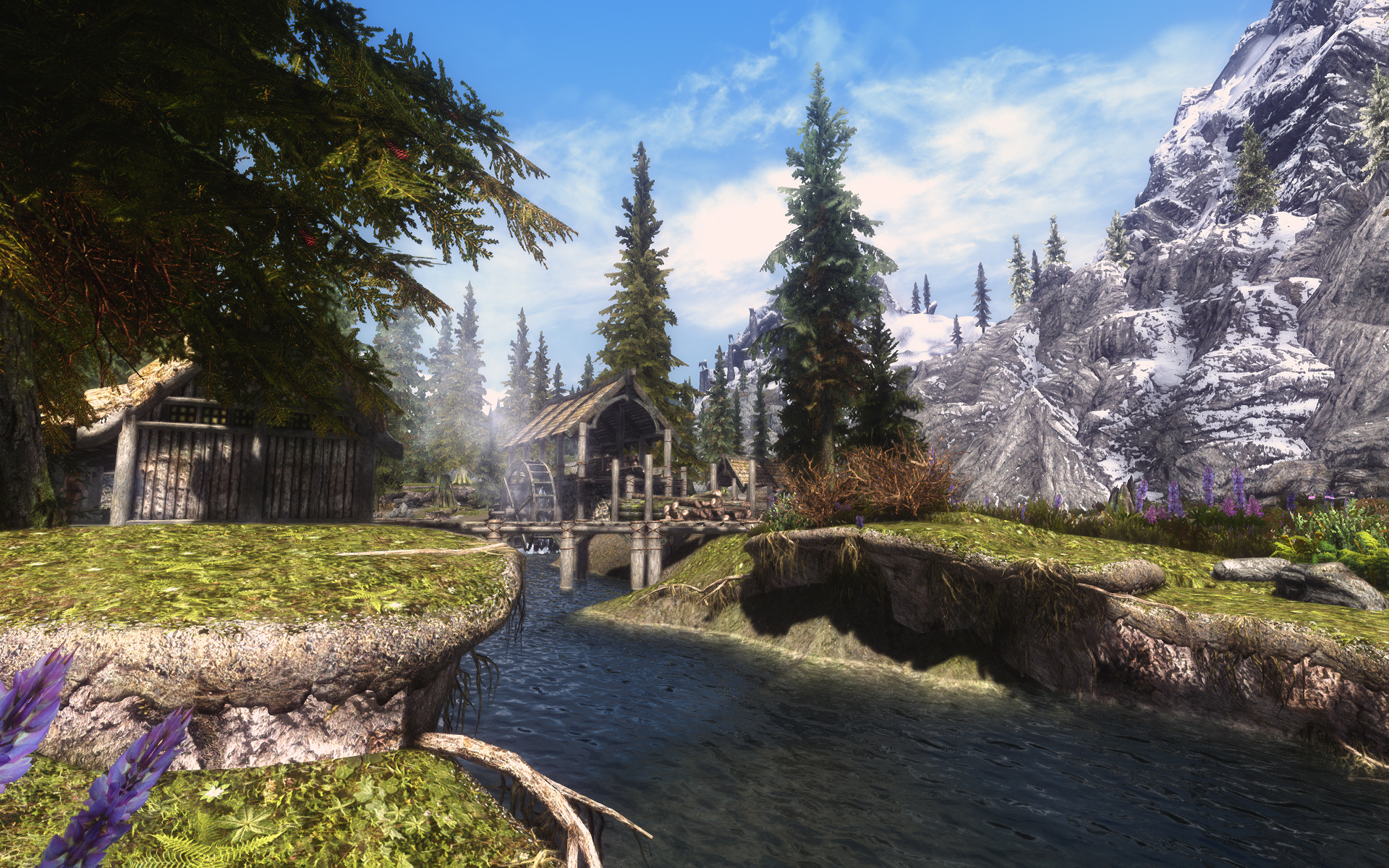
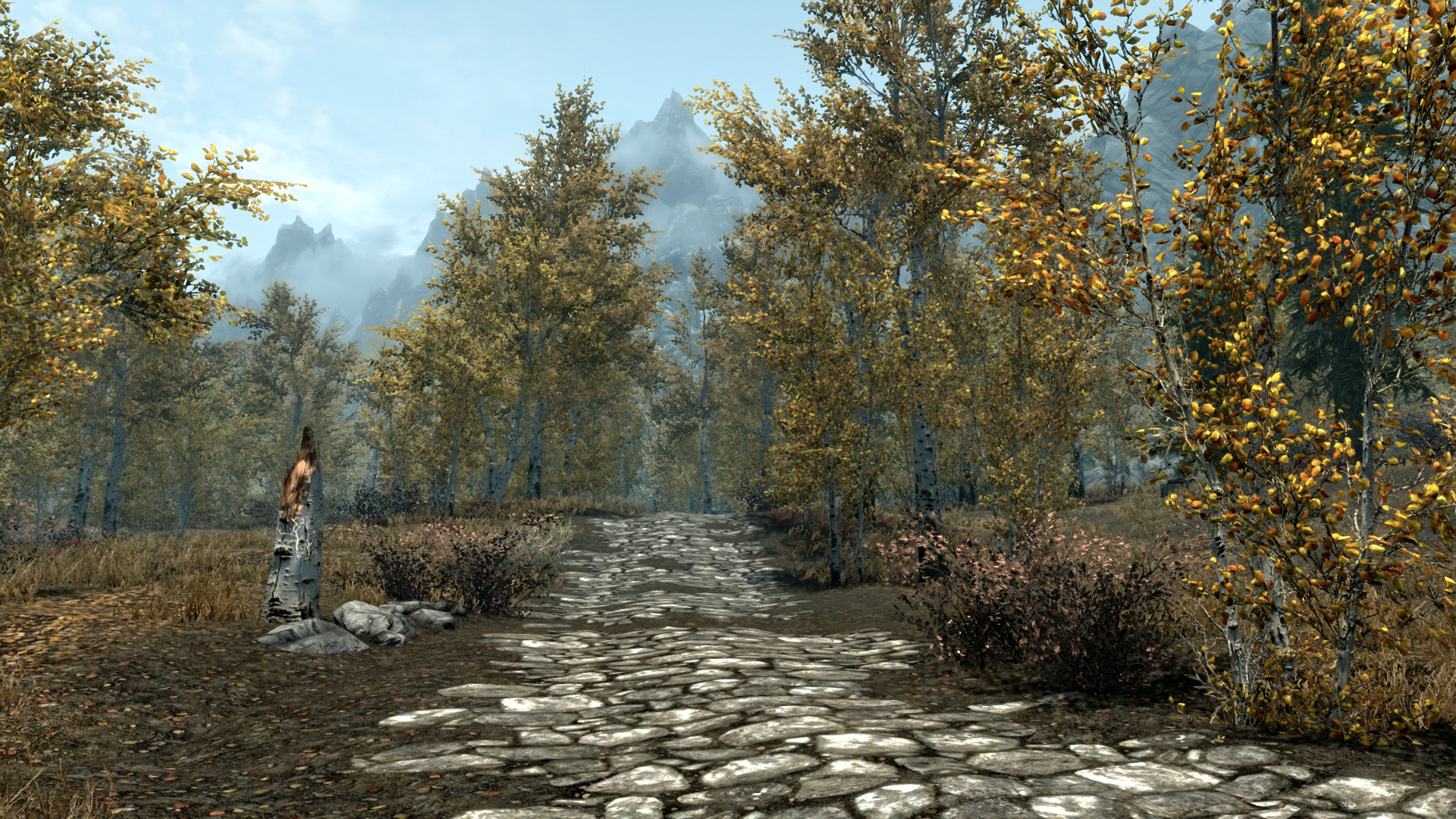
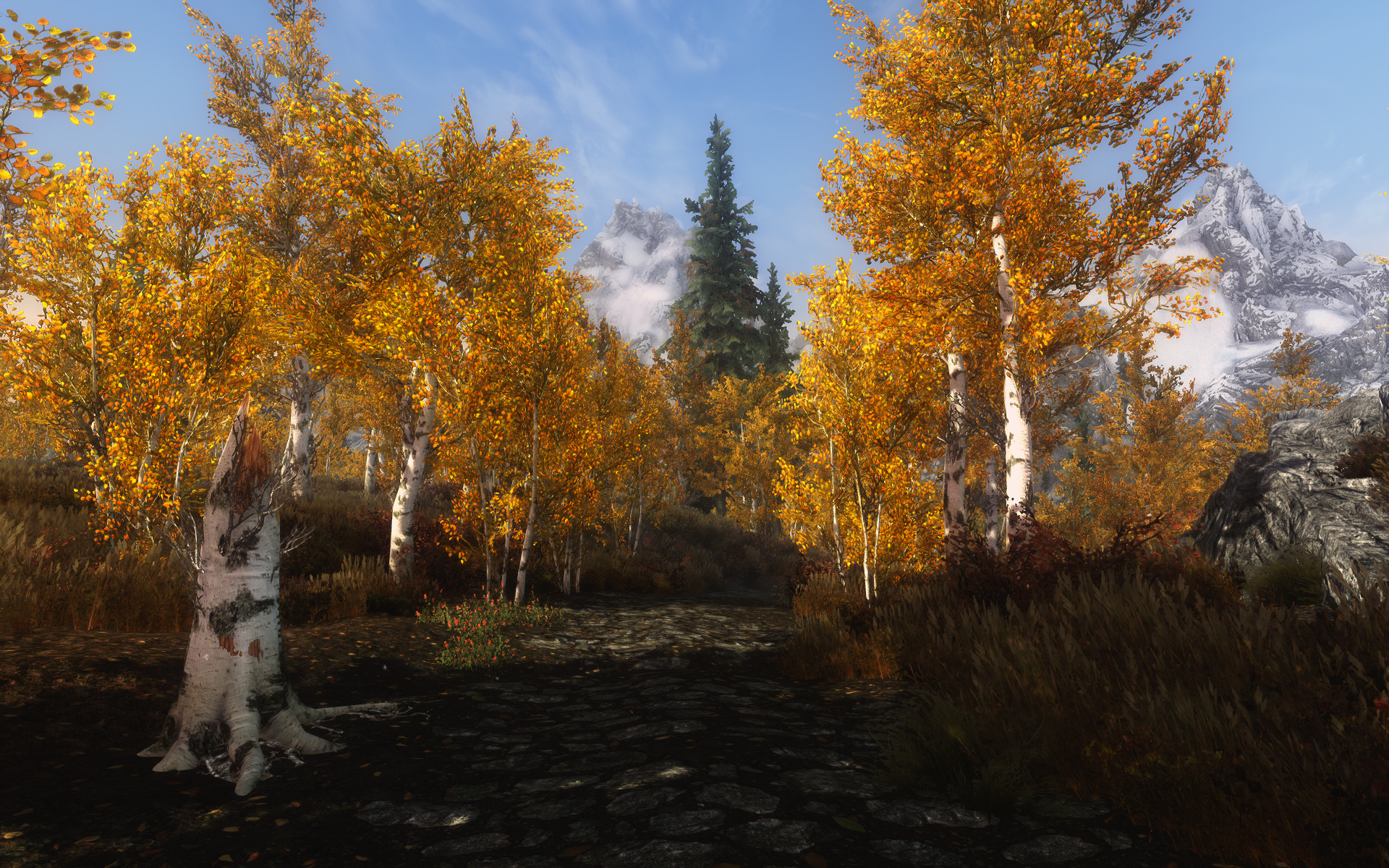
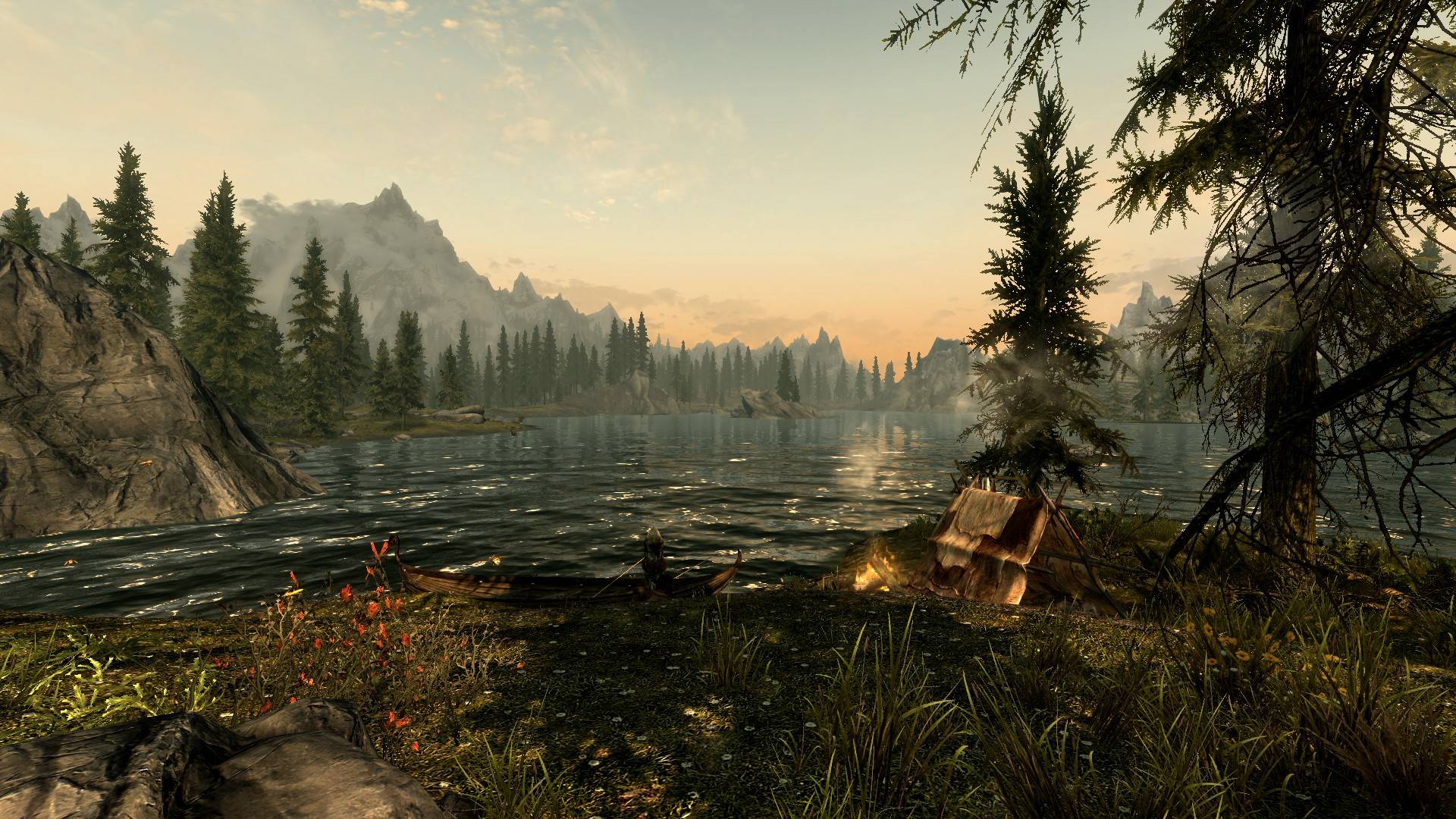
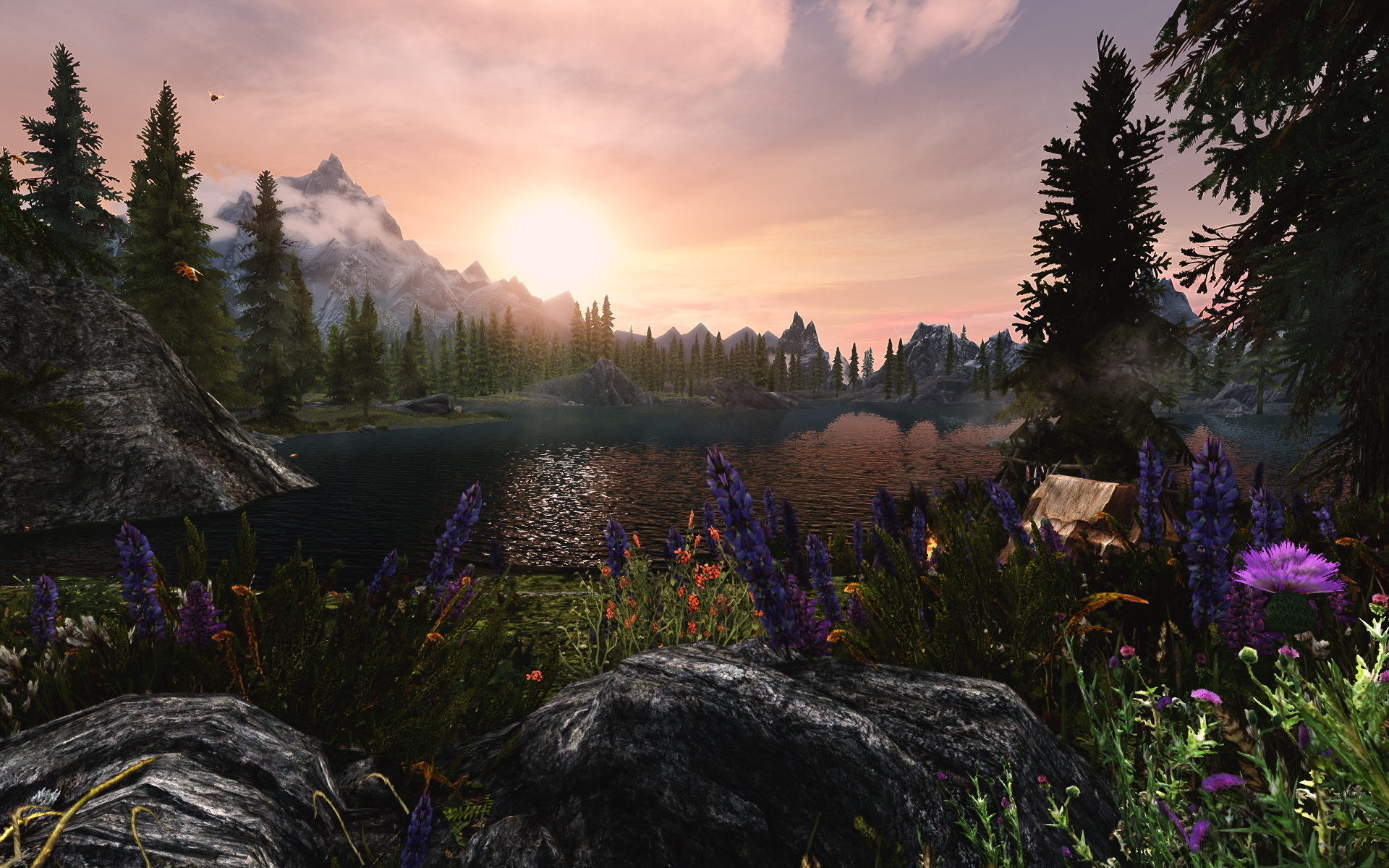
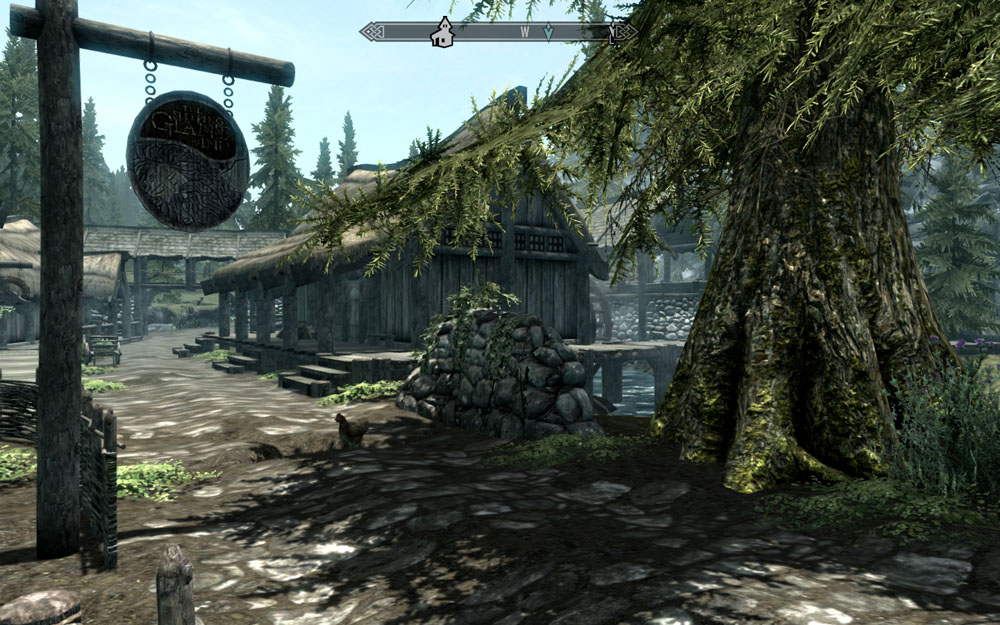
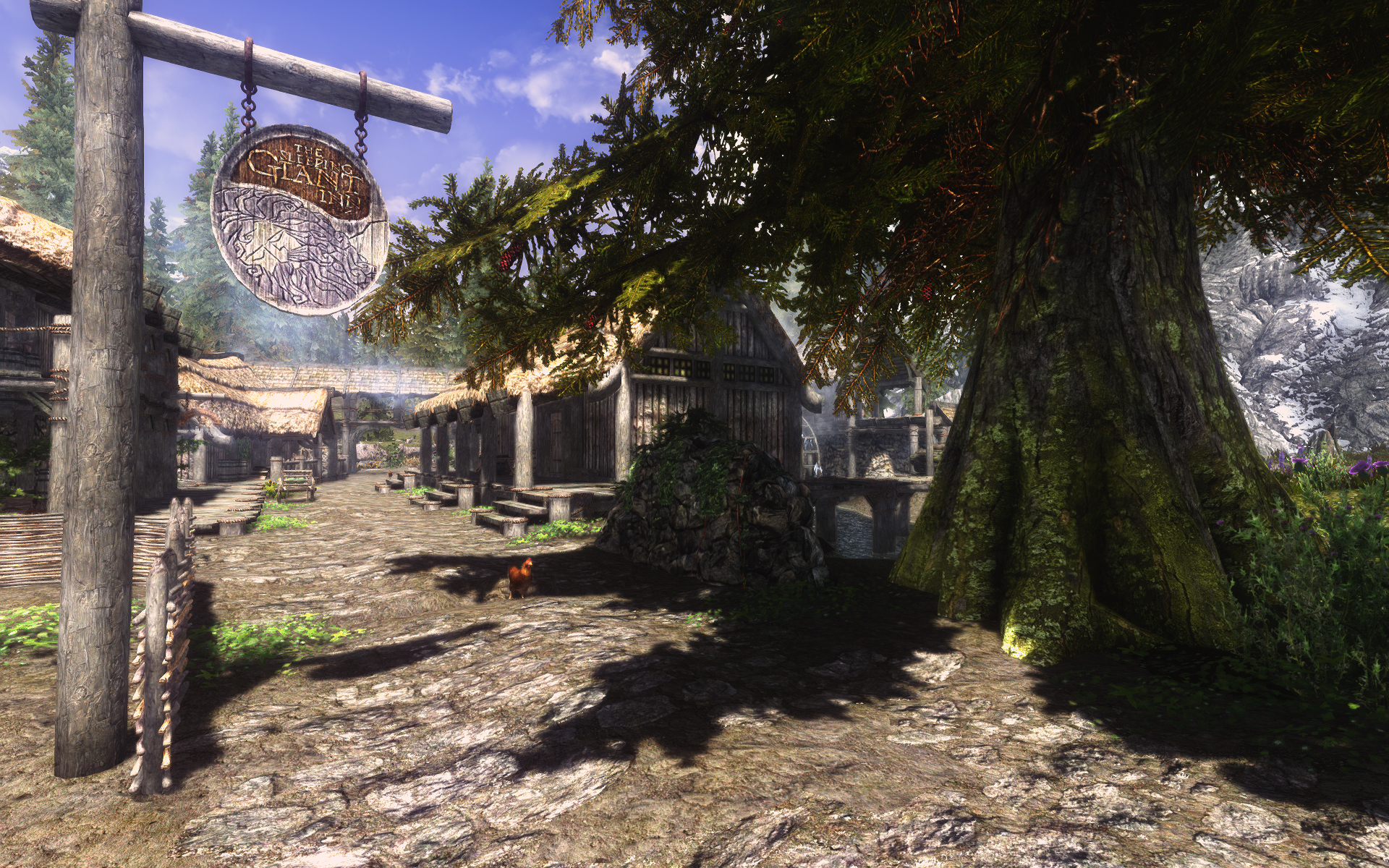
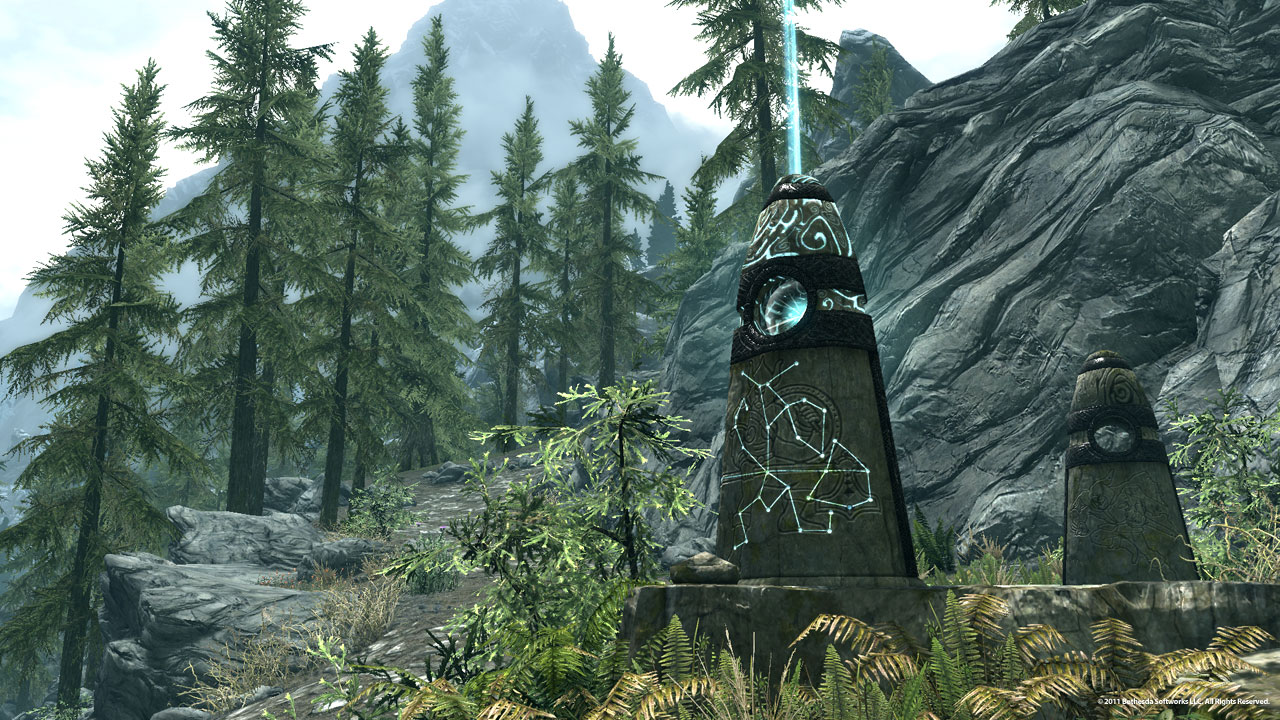
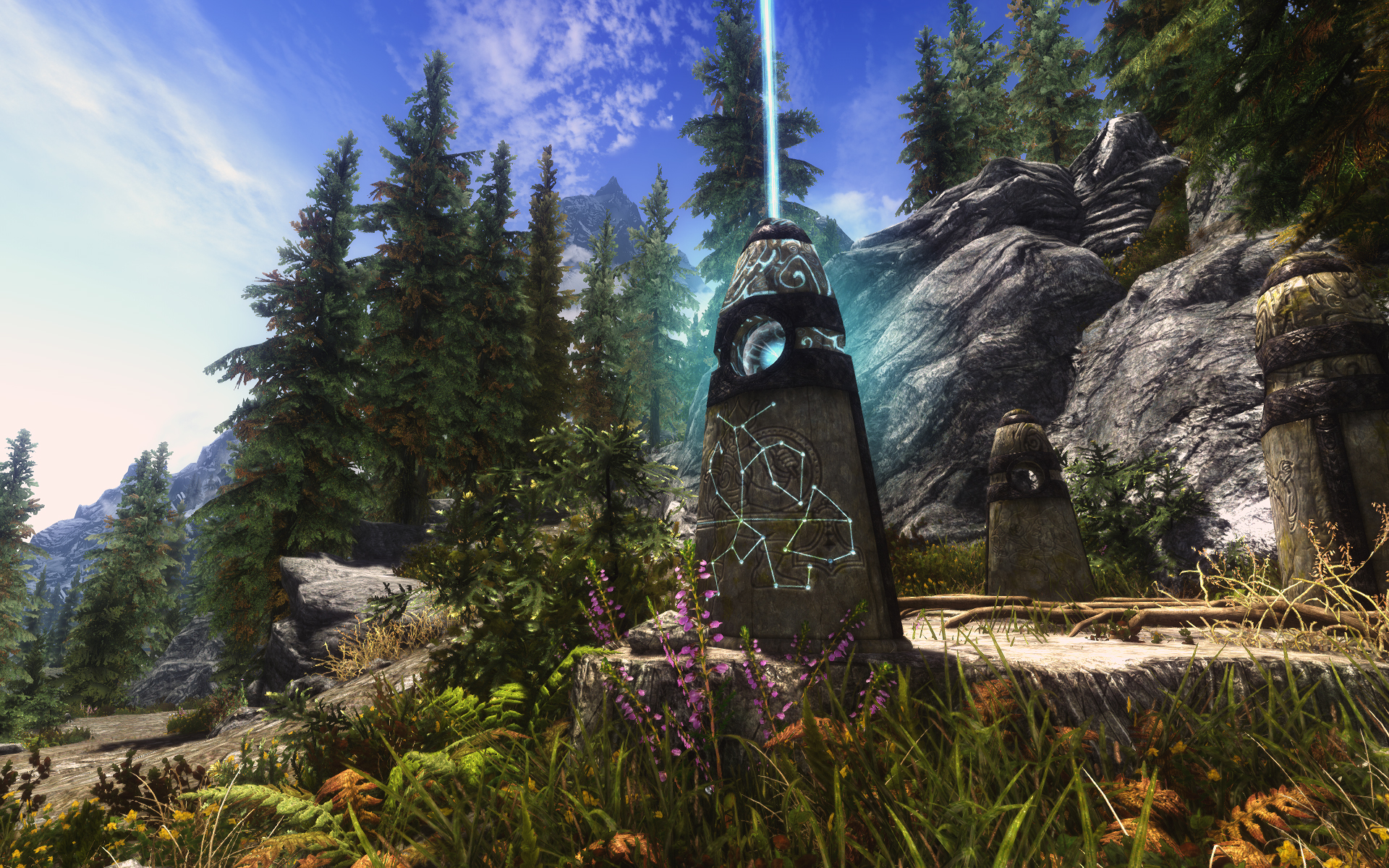
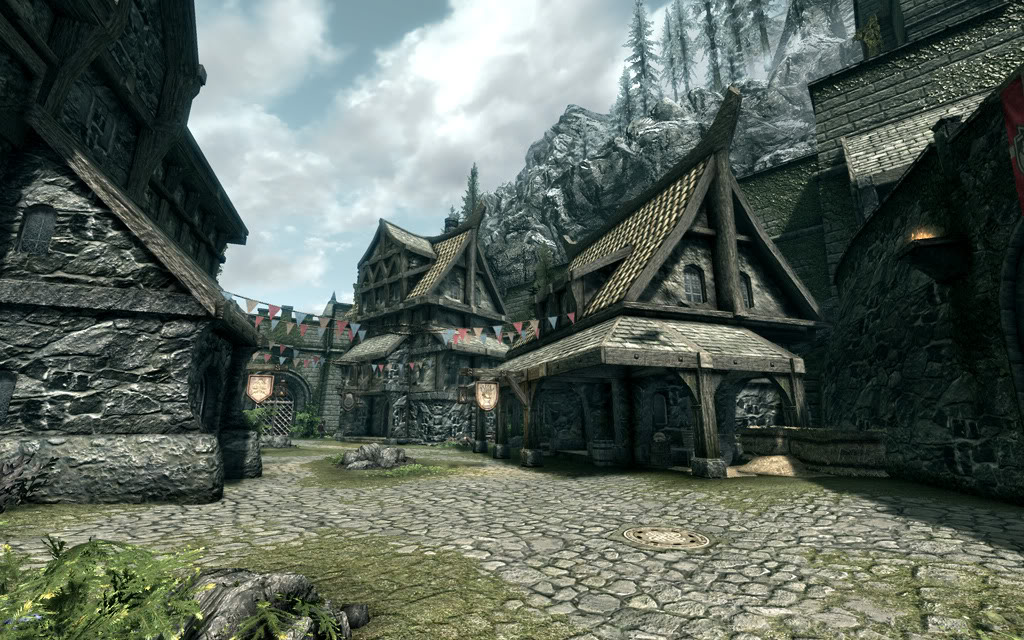
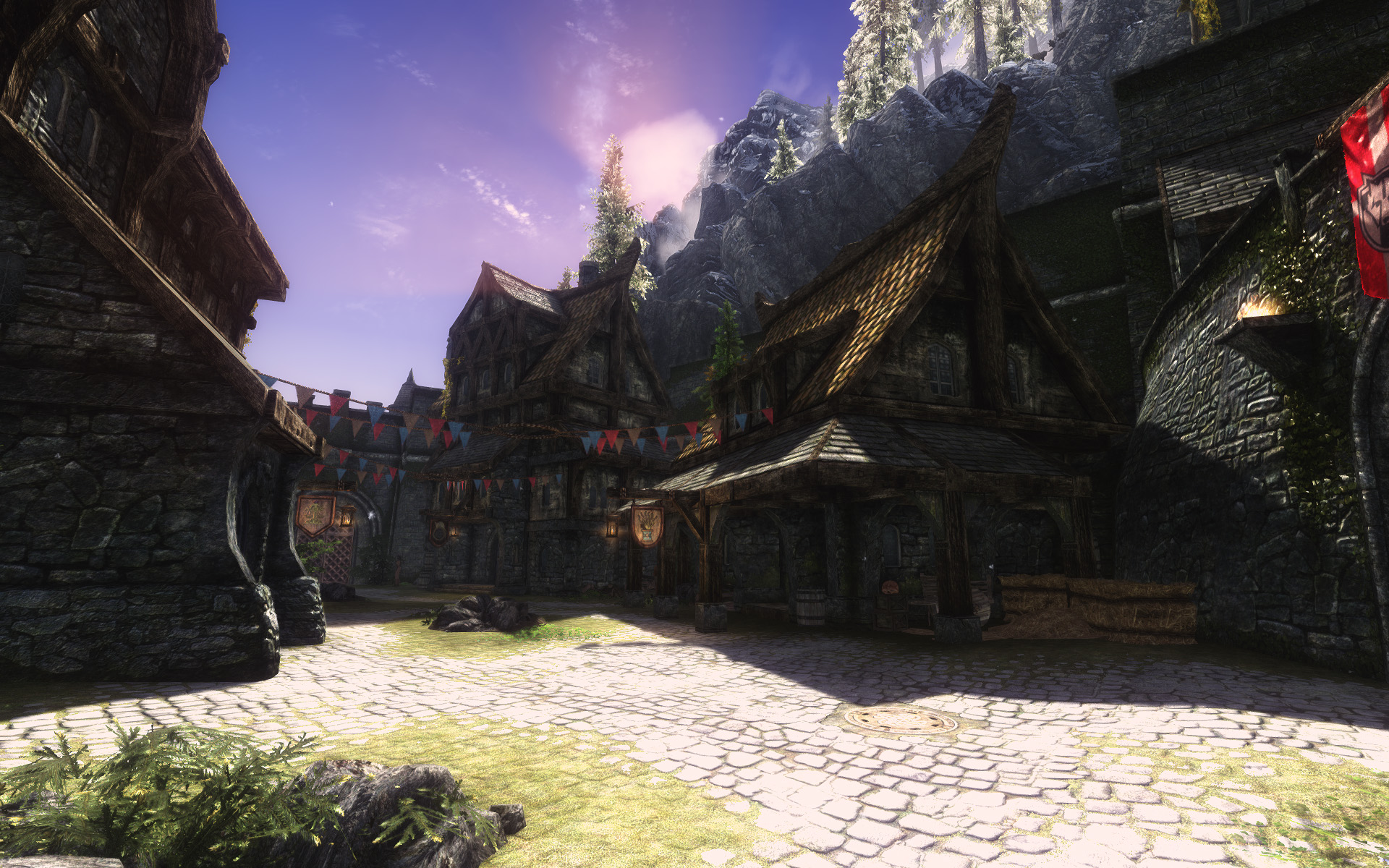
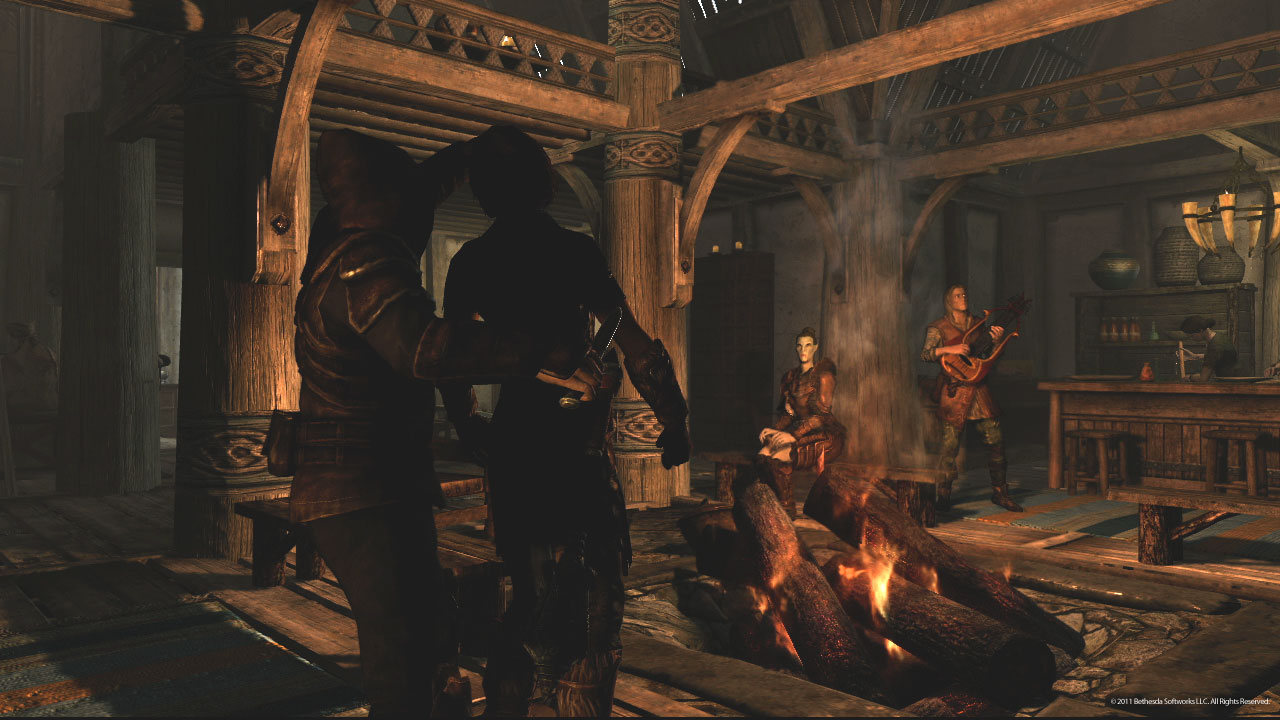
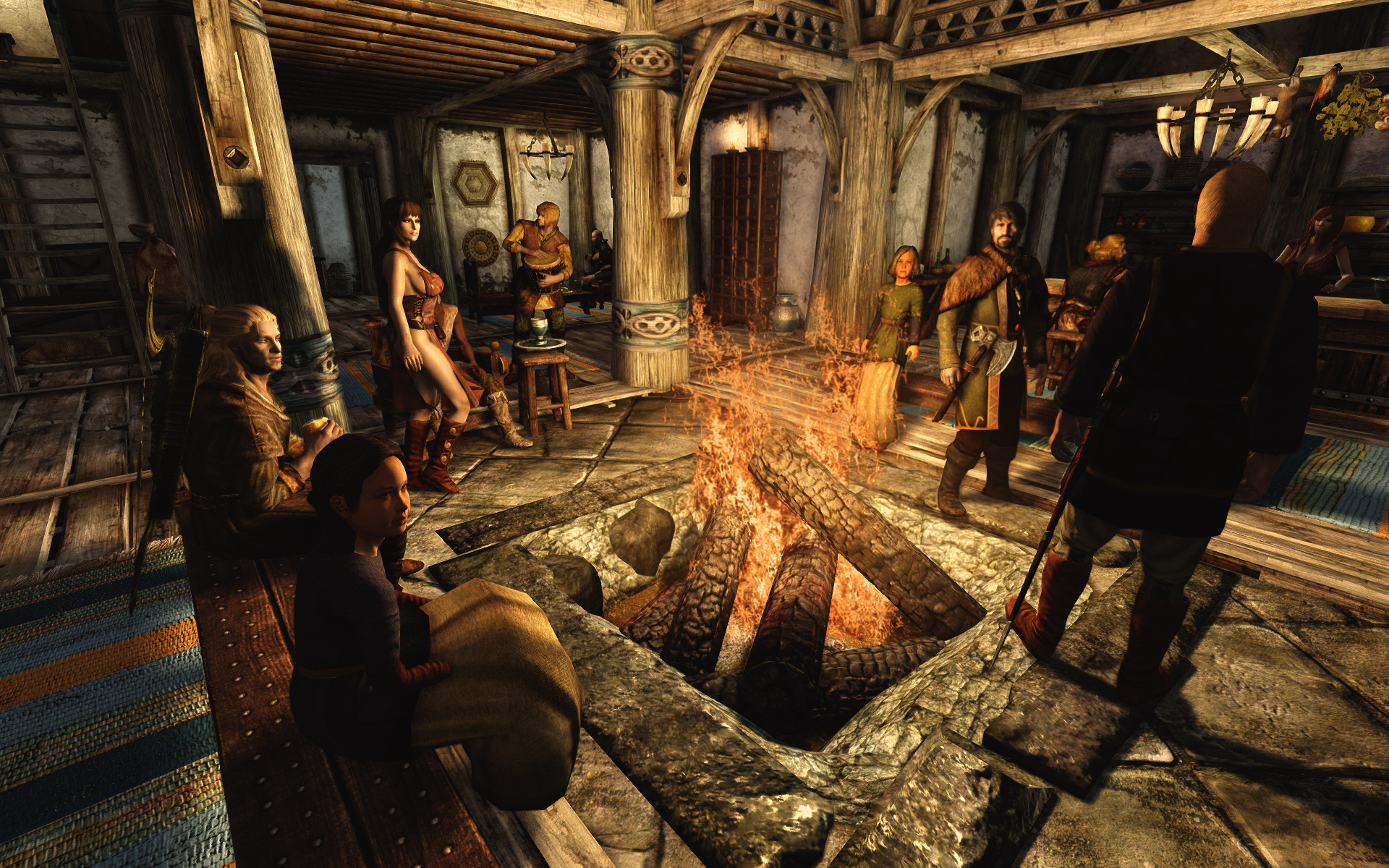
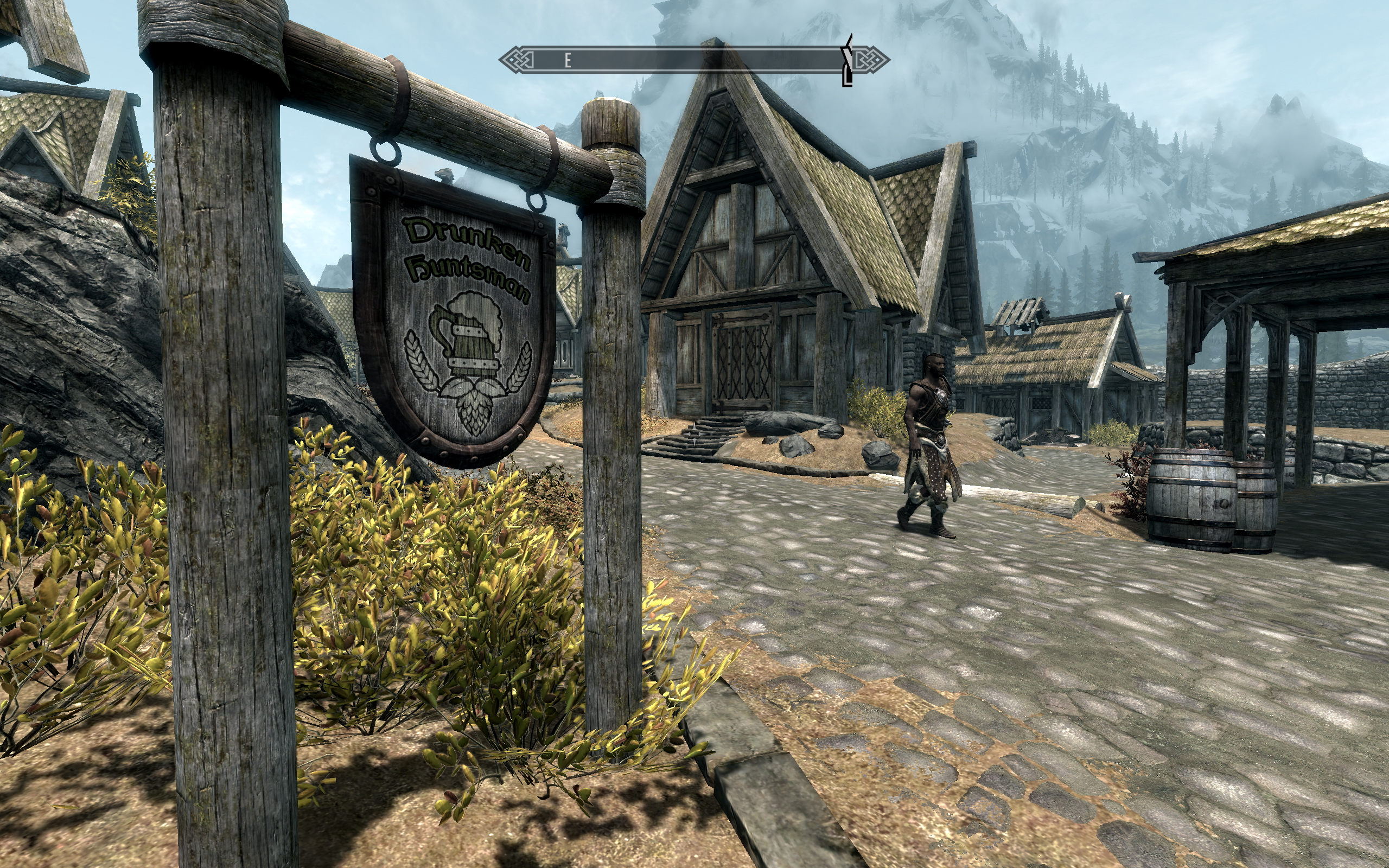
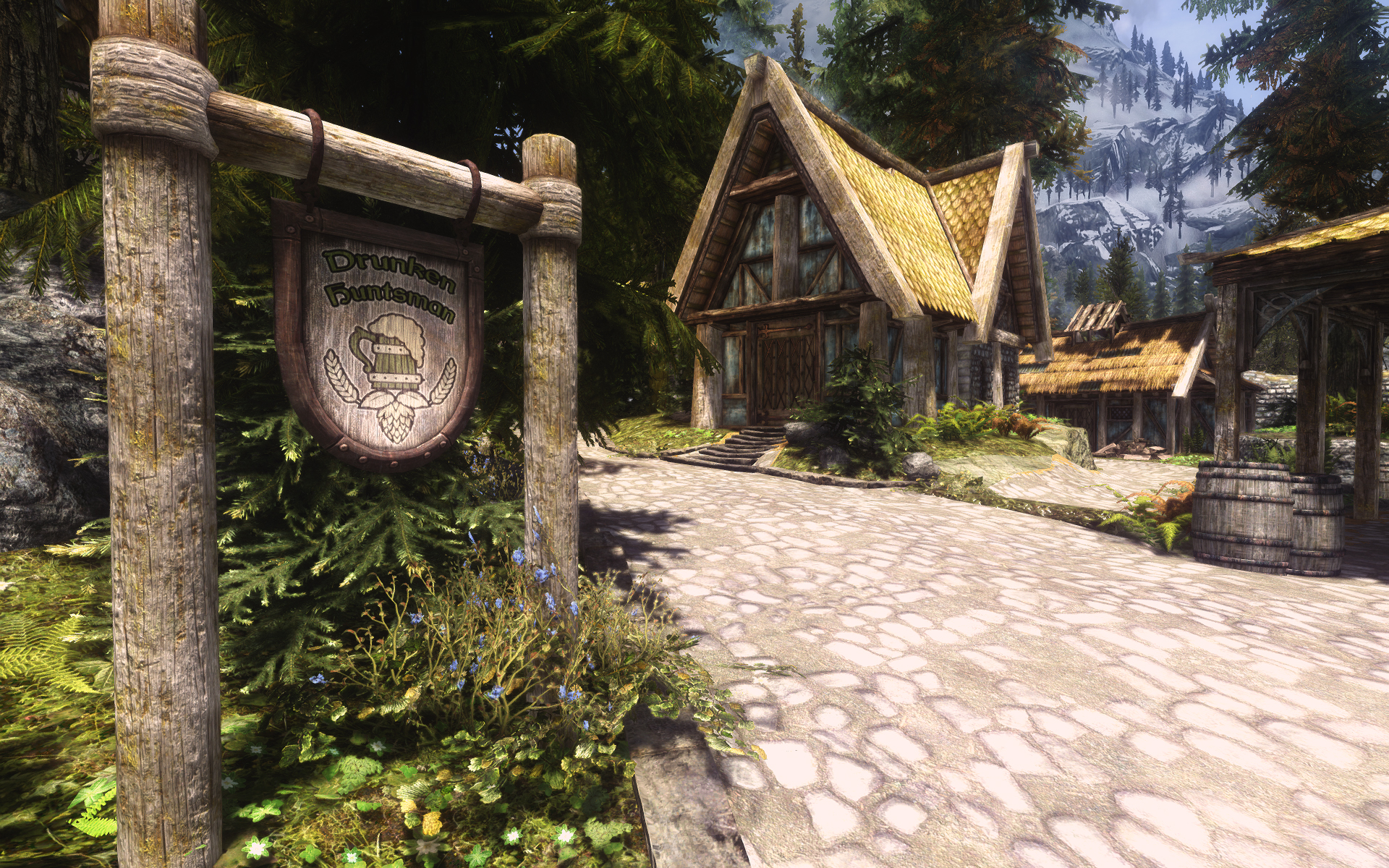
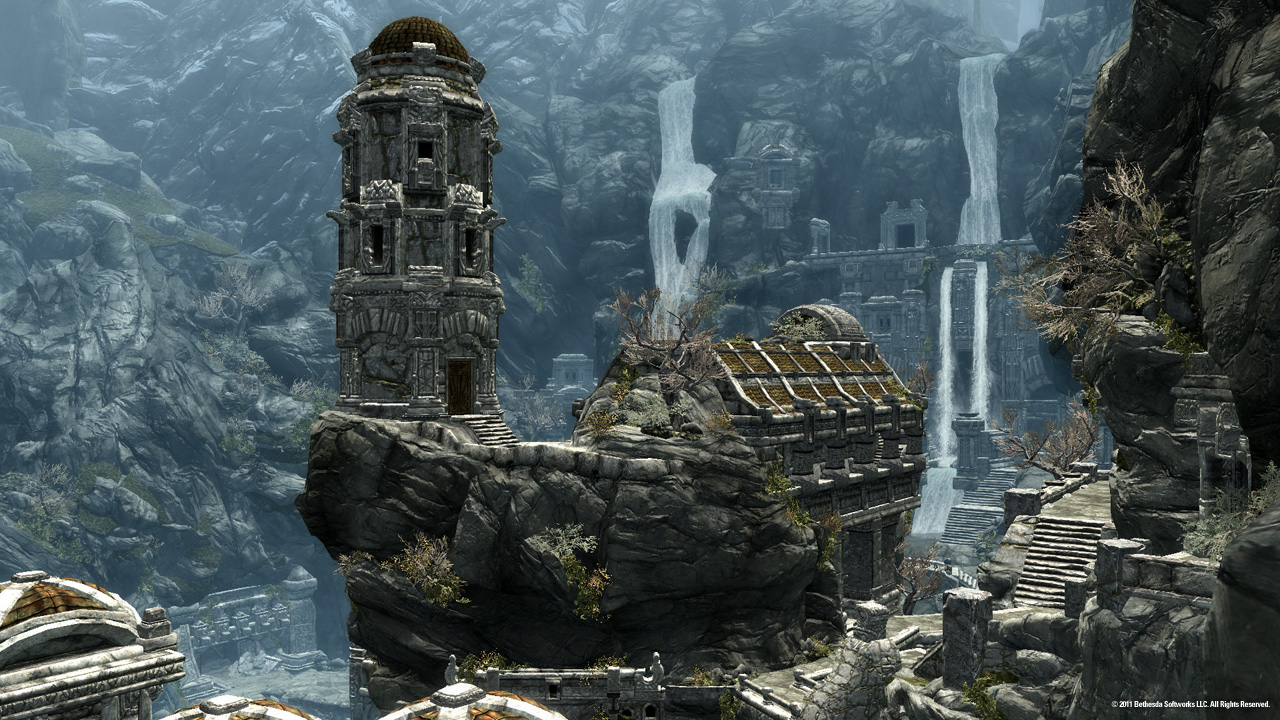
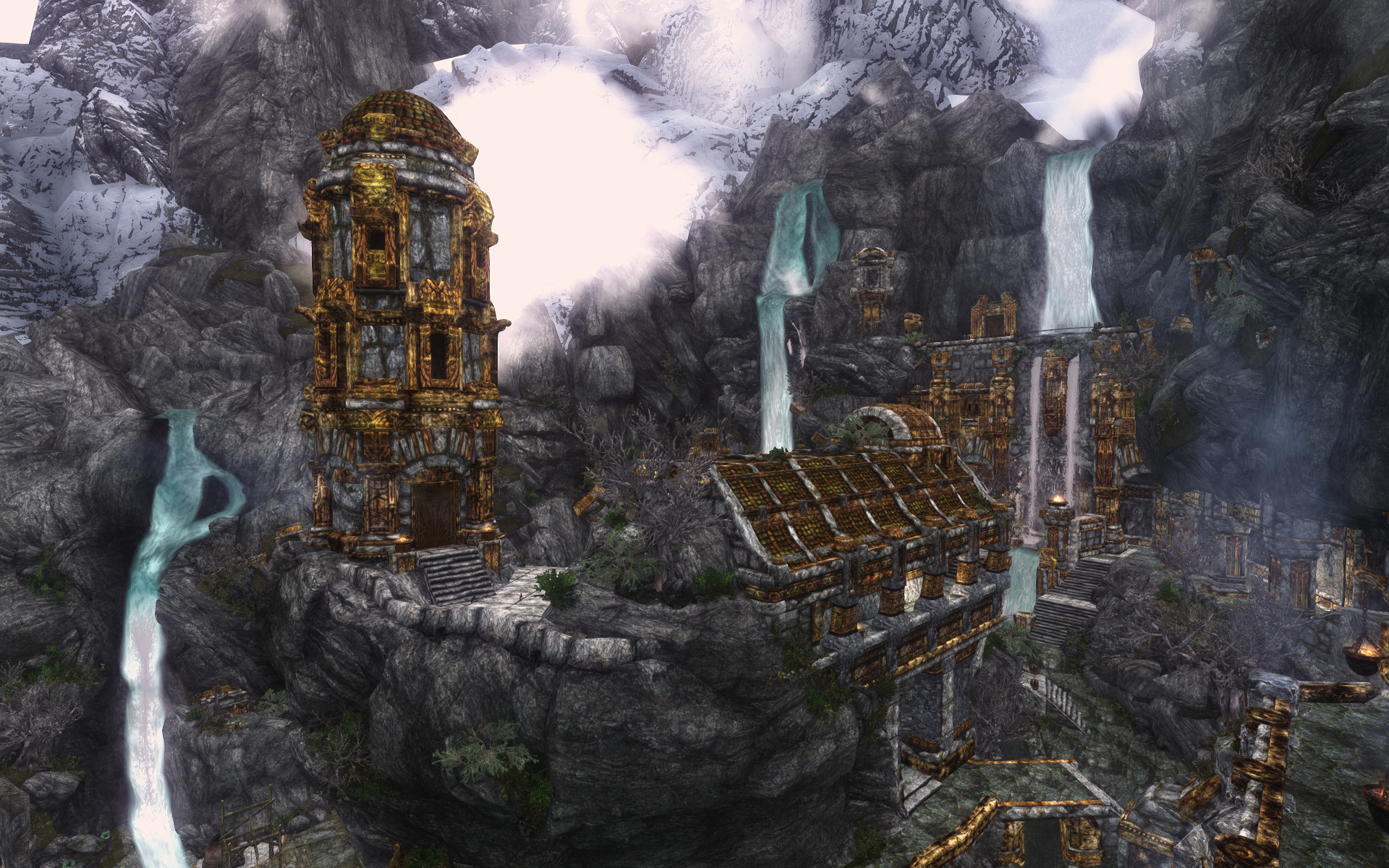
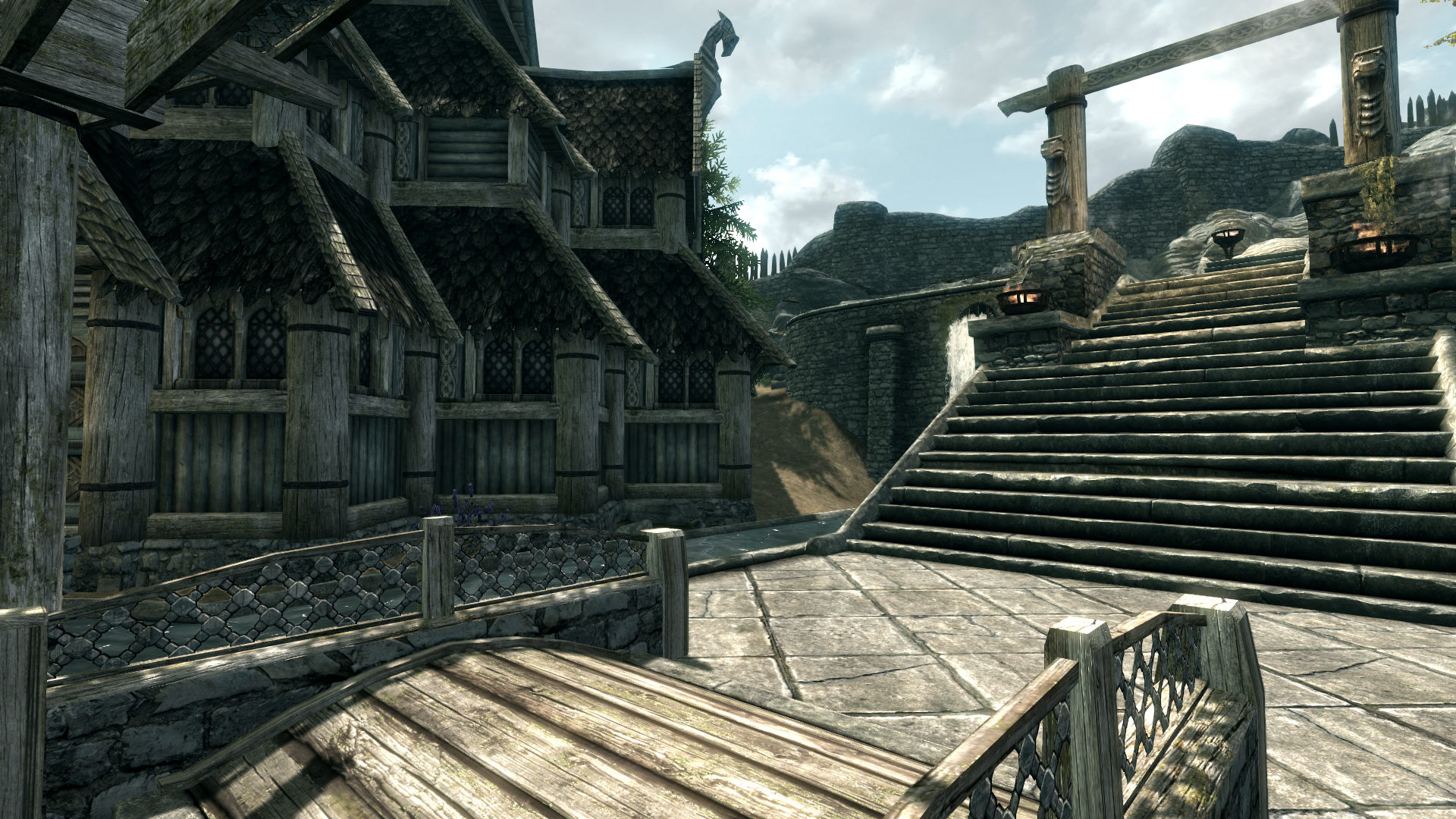
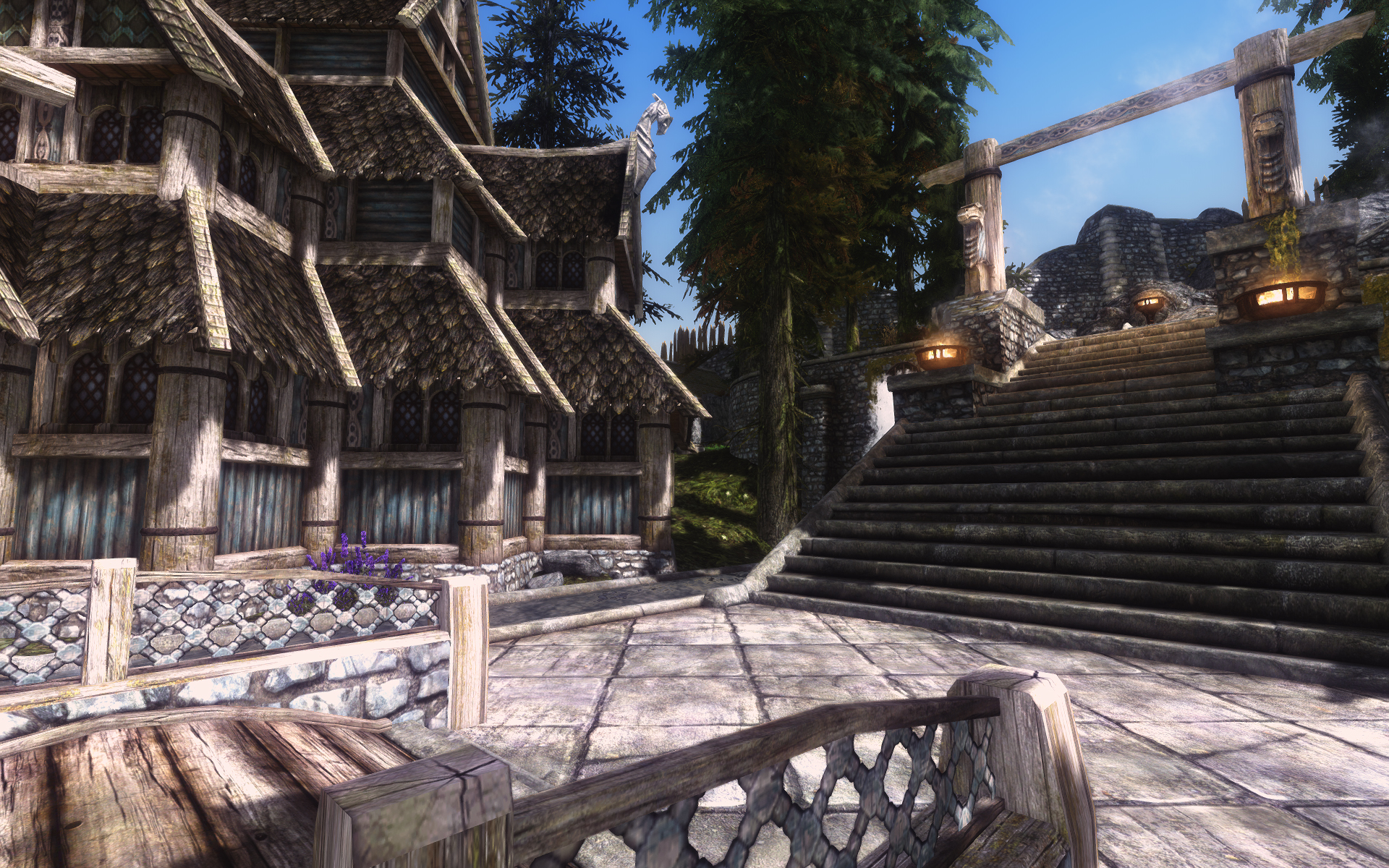
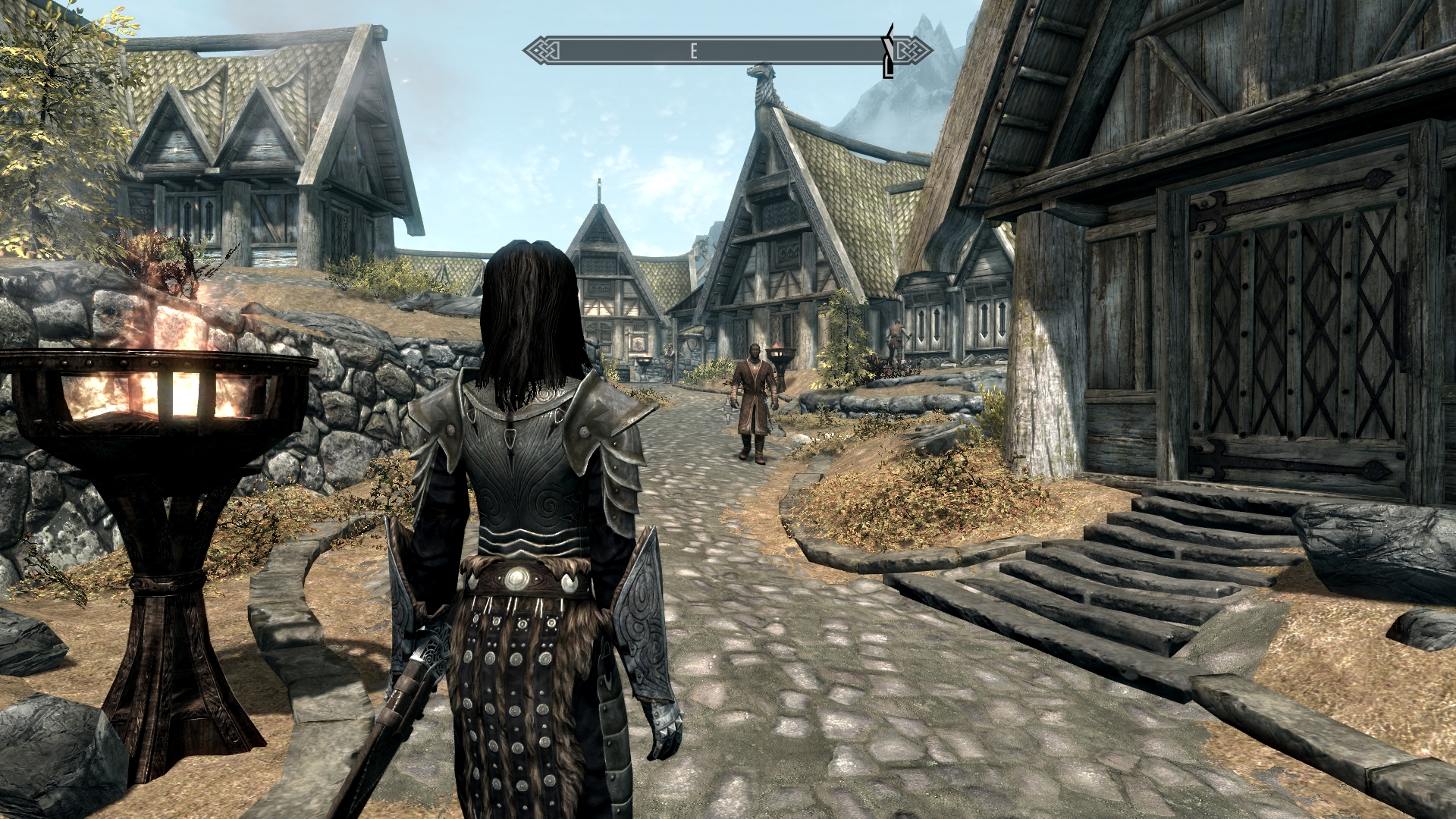
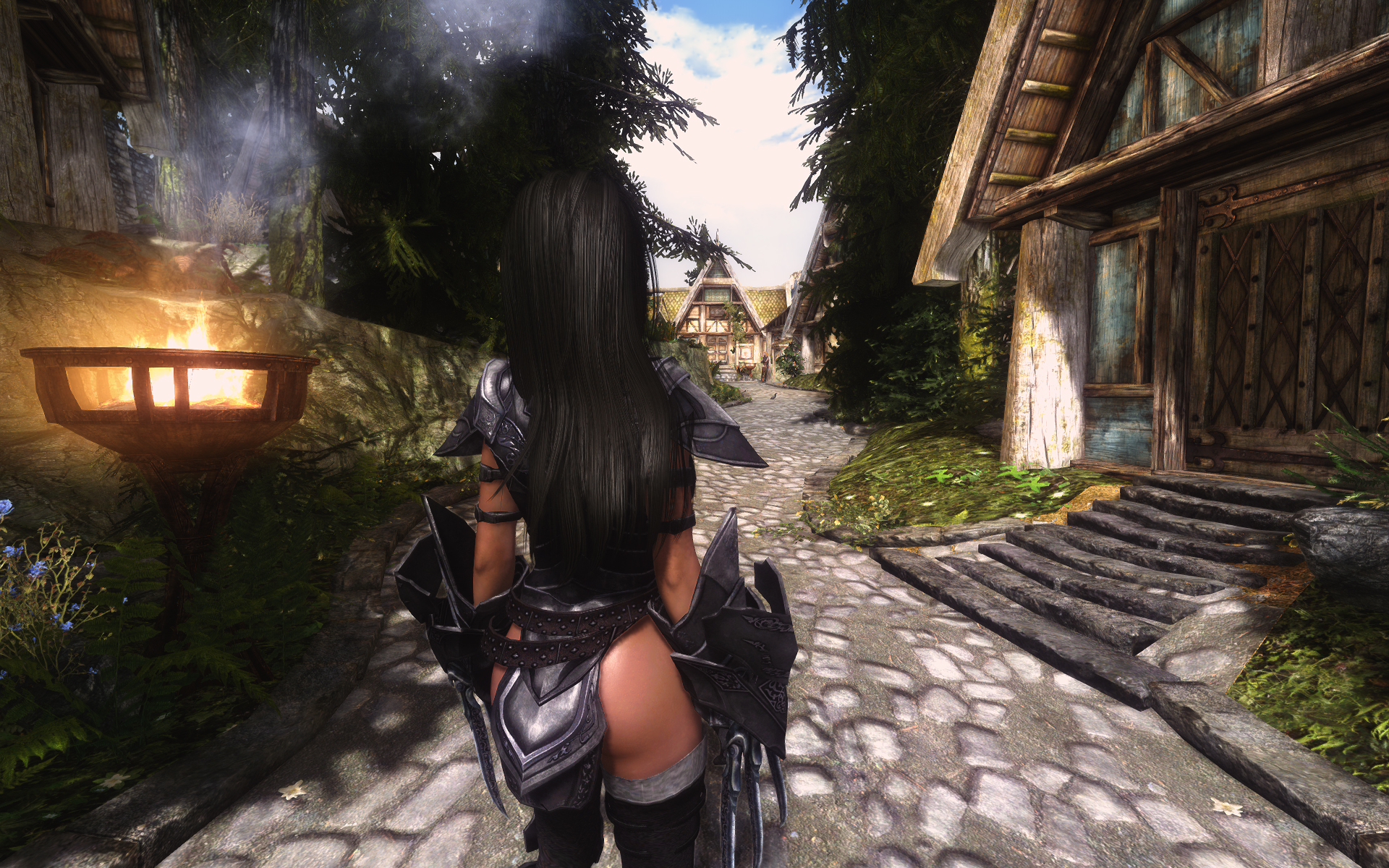
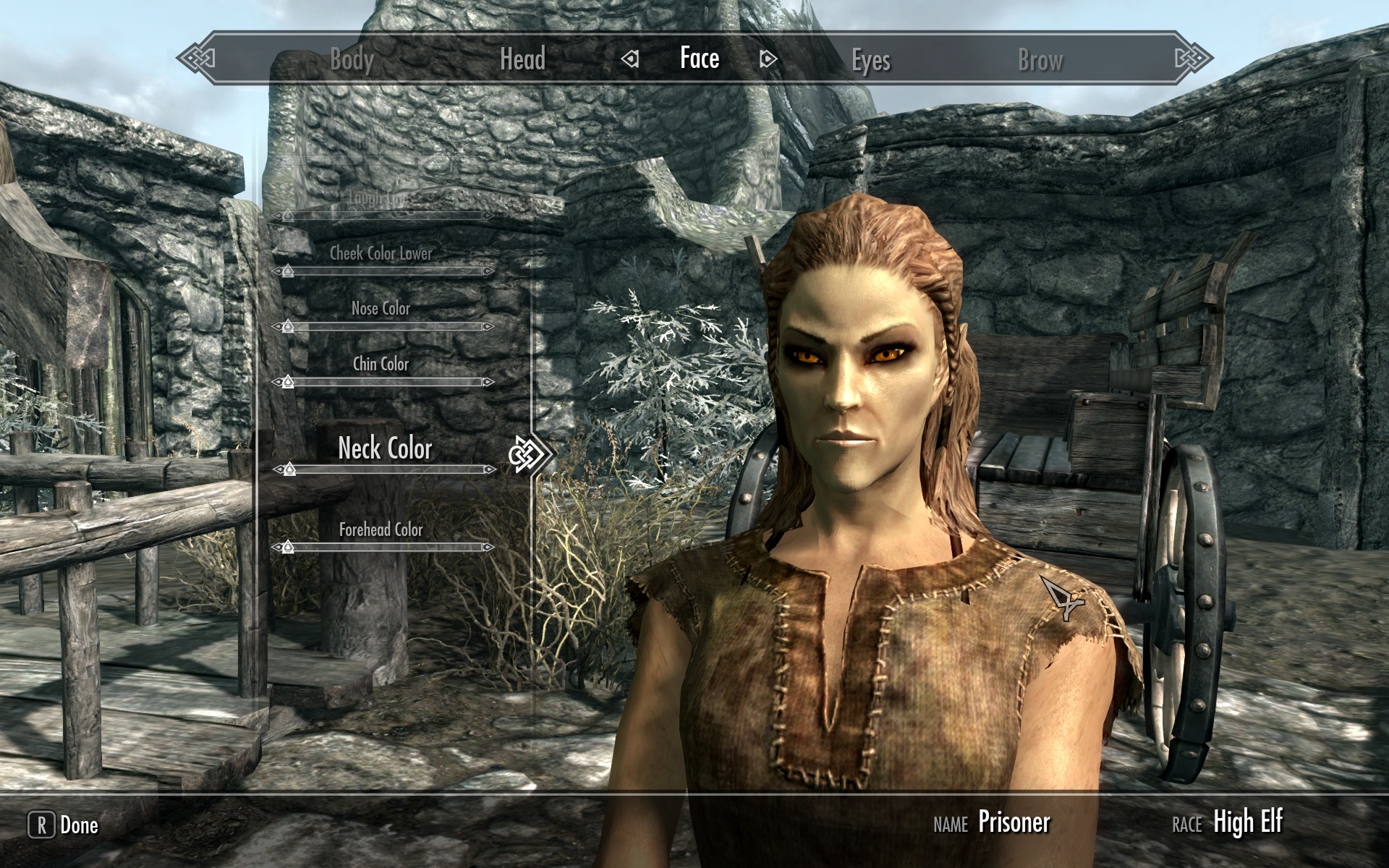
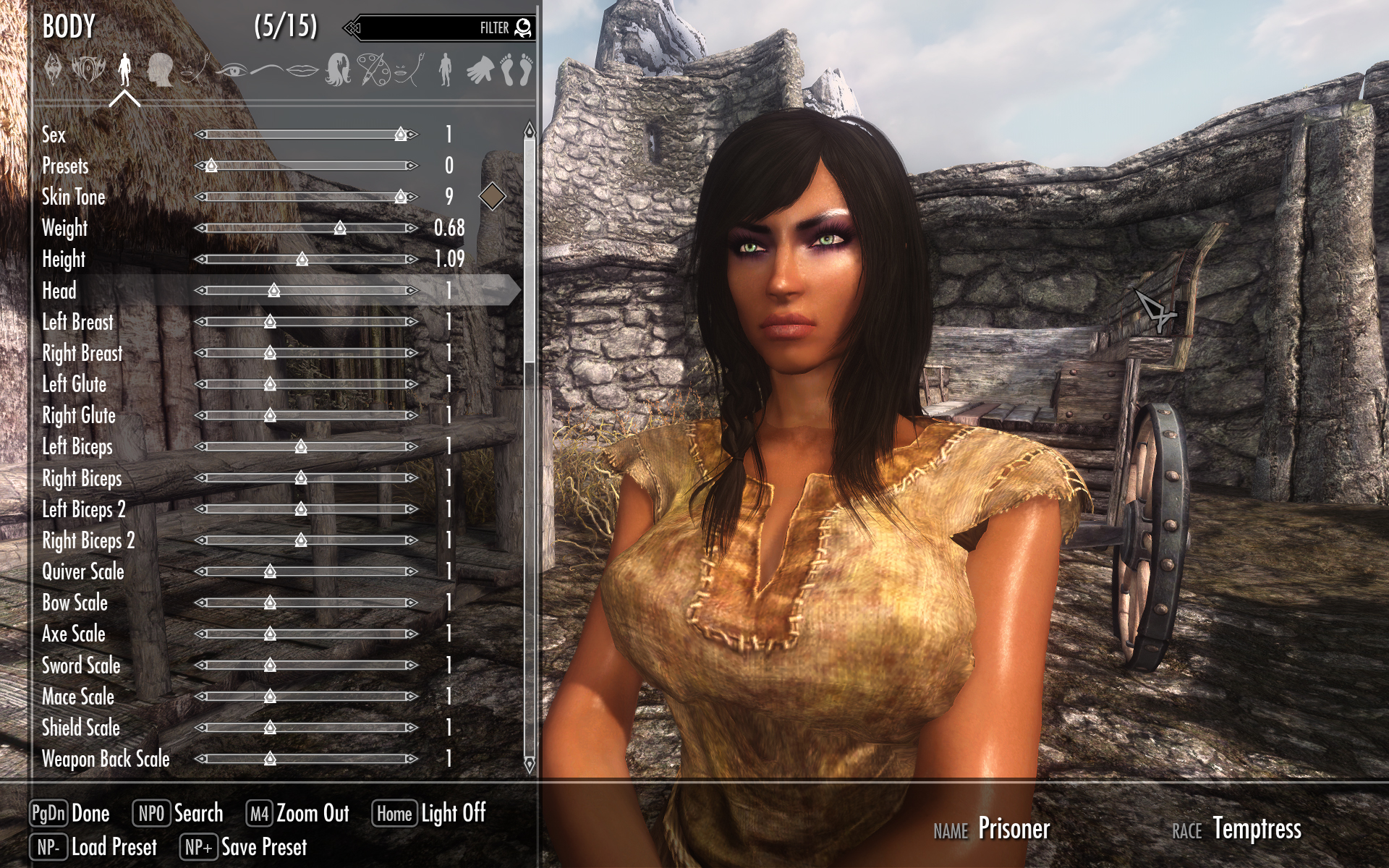
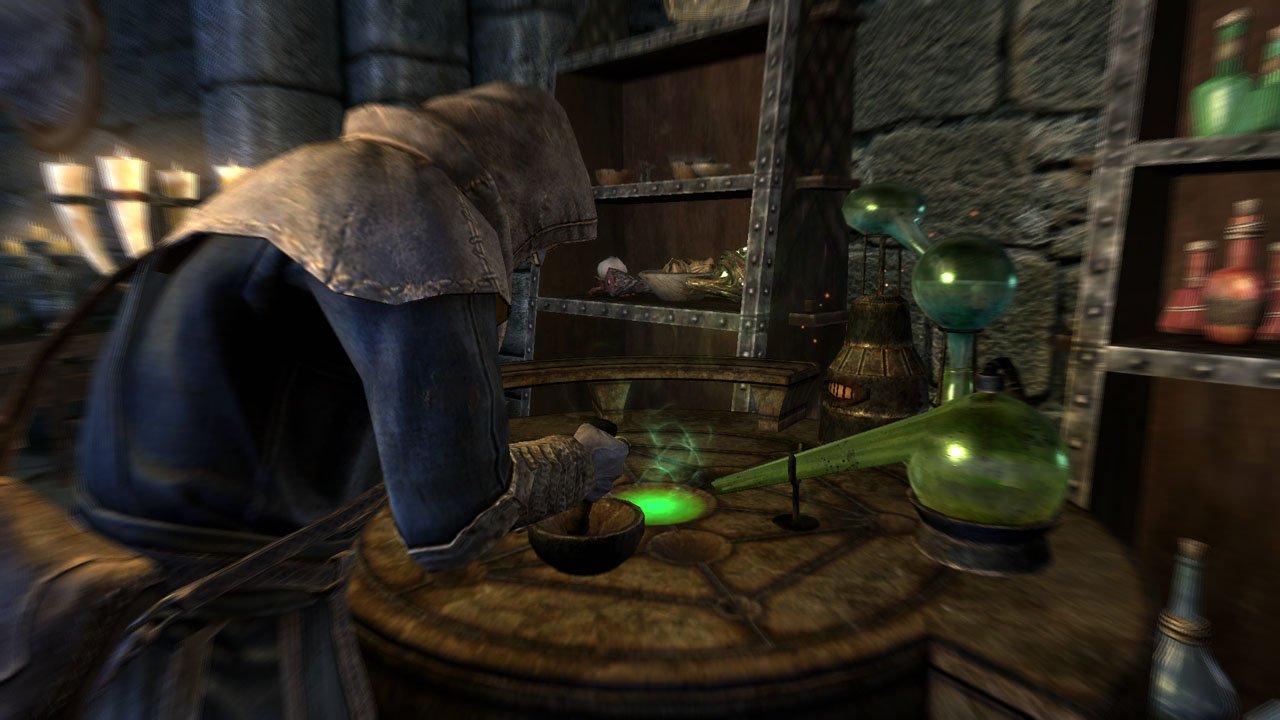
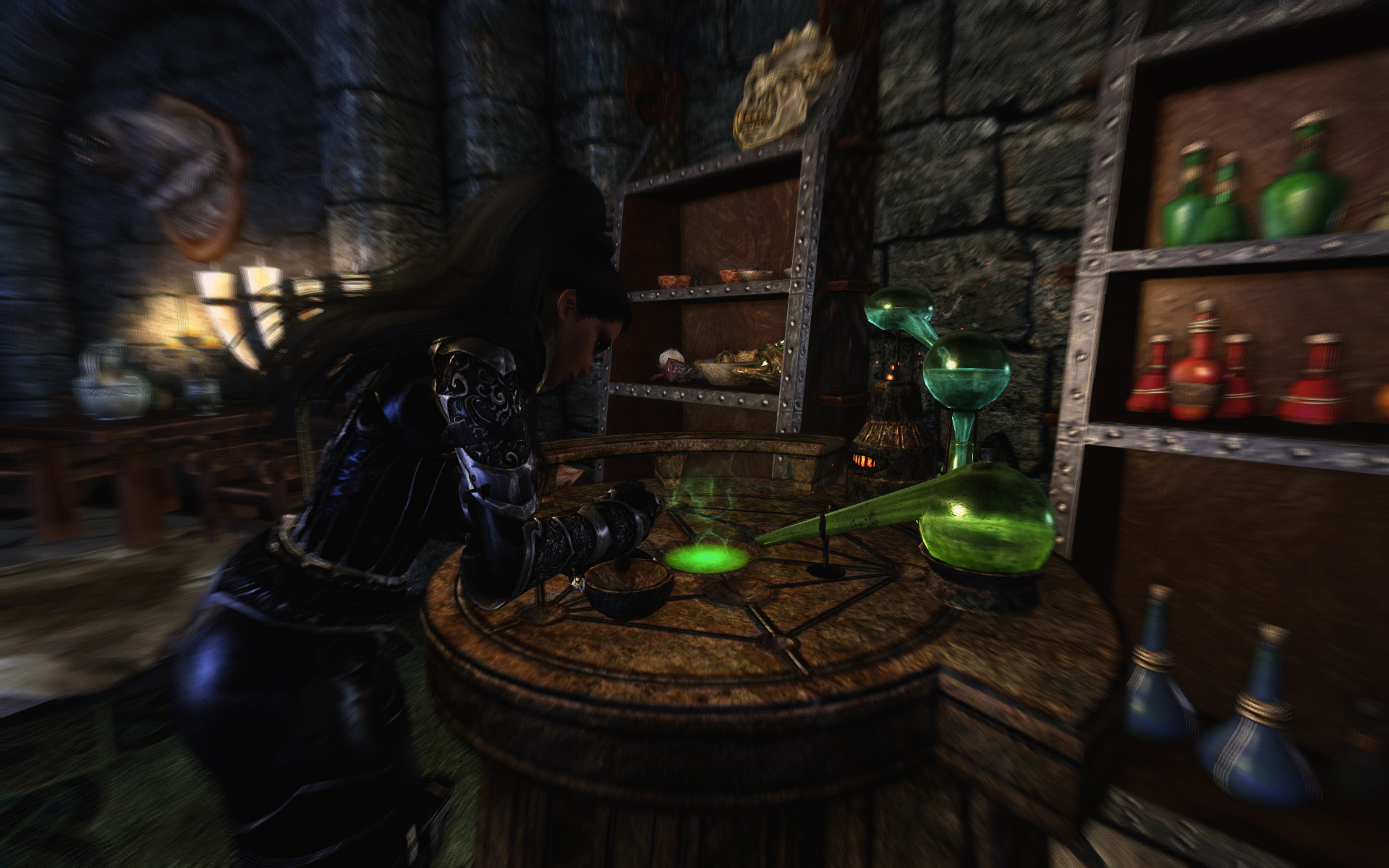
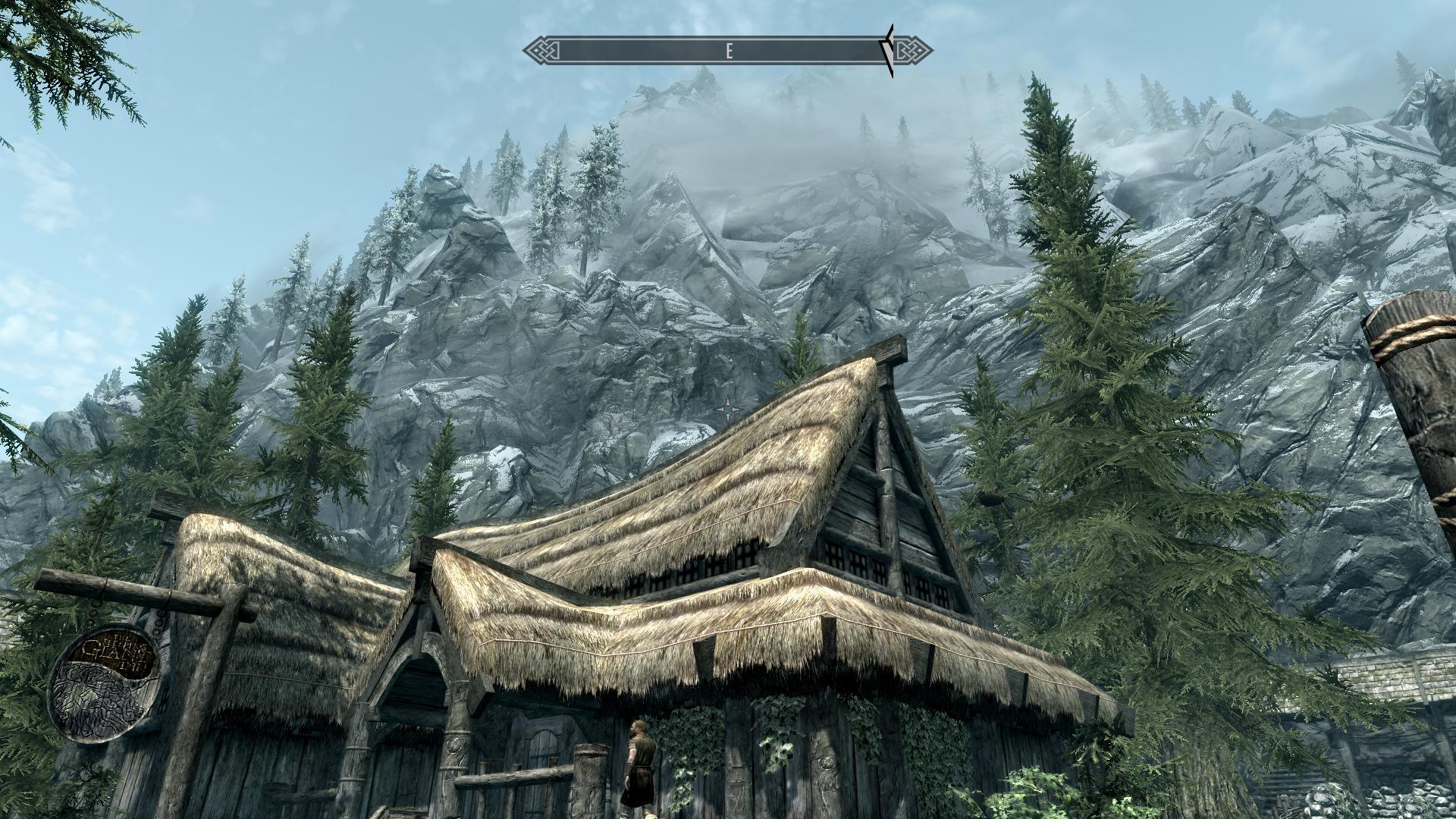
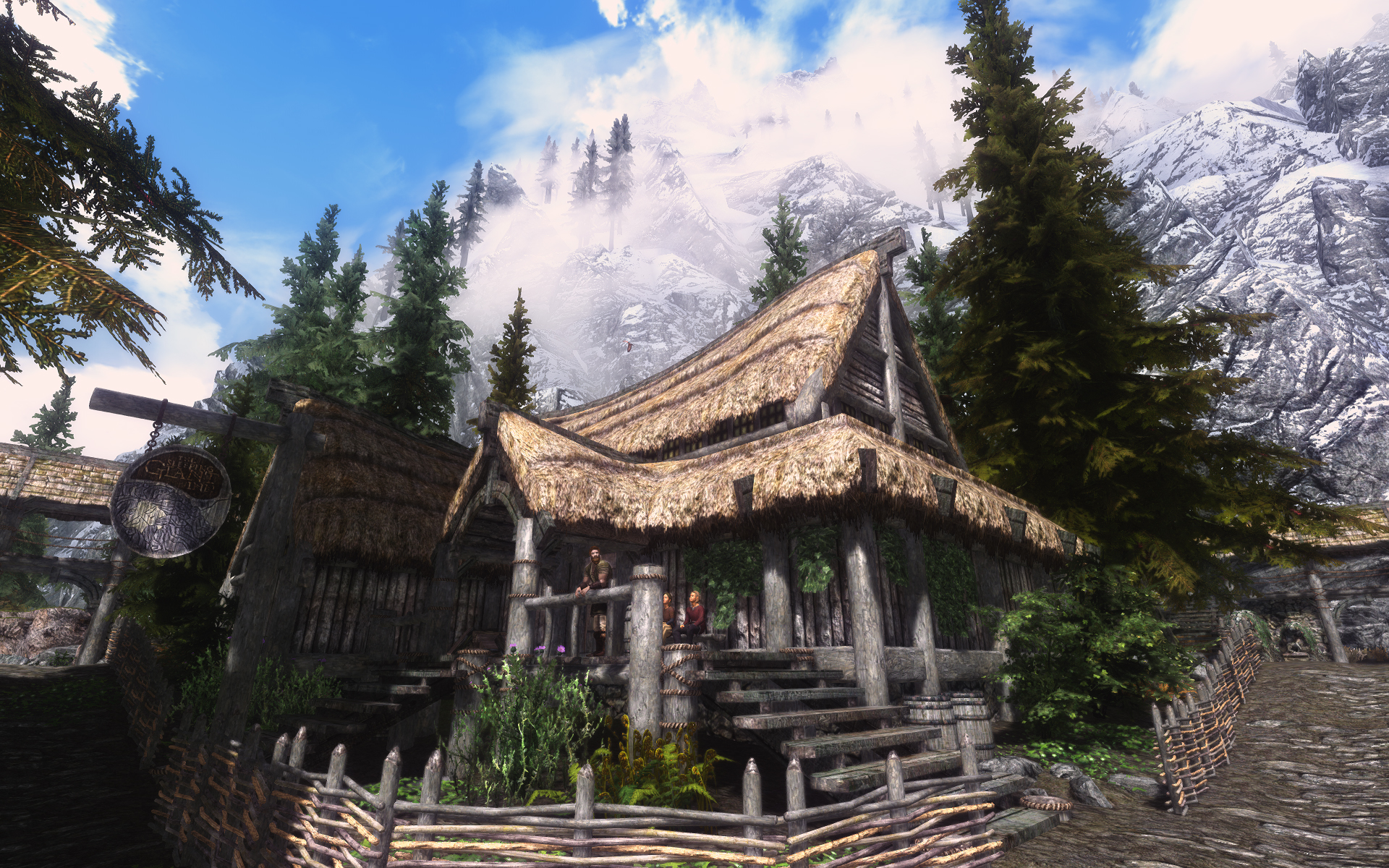
Curious if the results are worth the effort? Here are a few before/after screenshots to give you an idea
Before/After Screenshots
BEFORE
AFTER
BEFORE
AFTER